Projects/Games
GTA2 FOREVER
This isn’t just retrofuturism or cyberpunk. It’s a distinct and original style, spiced with the cartoonish madness of its lore. The unique and powerful vibe of Anywhere City captivated me as a child and became my muse for years. And now, after learning game development, I’ve finally been able to dive into it headfirst.
My main goal is to restore the game, give it new life, and recreate those unforgettable vibes on a modern engine. I want this project to stand as a monument to its unique style—a place where people can revisit and relive its unforgettable vibe.
Summary
Overview of Completed Work
 City
- Extracted the original city model from GTA2 files using gta2stytool and converted it to FBX.
- Enhanced the city texture resolution using letsenhance.io.
- Generated a normal map for the city texture in Photoshop.
- Added props and building details from Synty Studios assets. Roof edges were detailed in Photoshop.
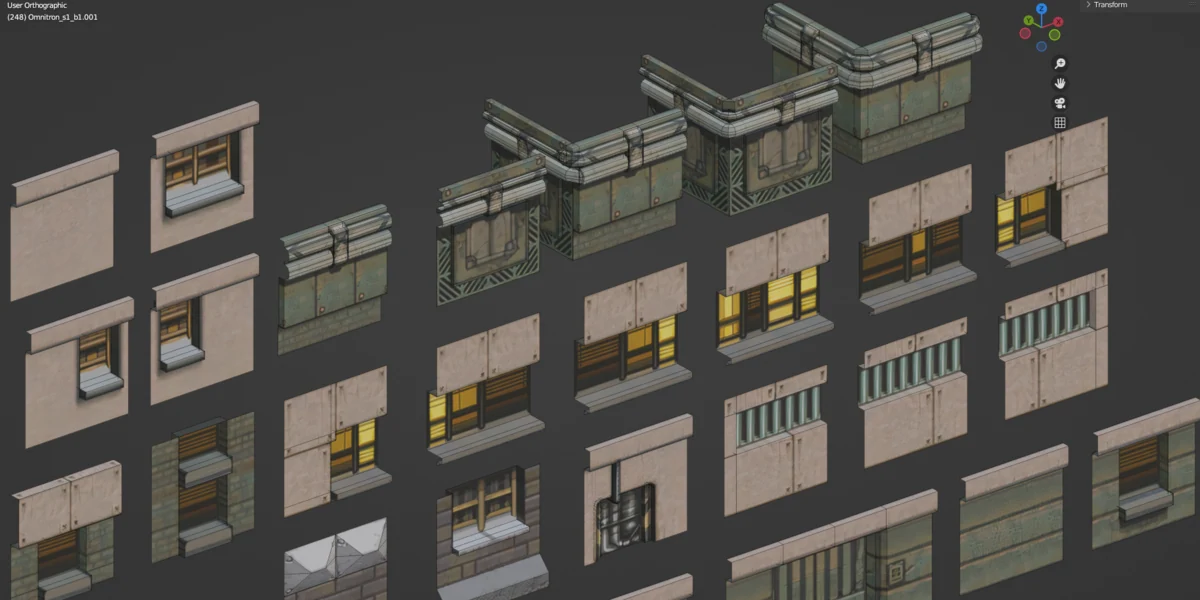
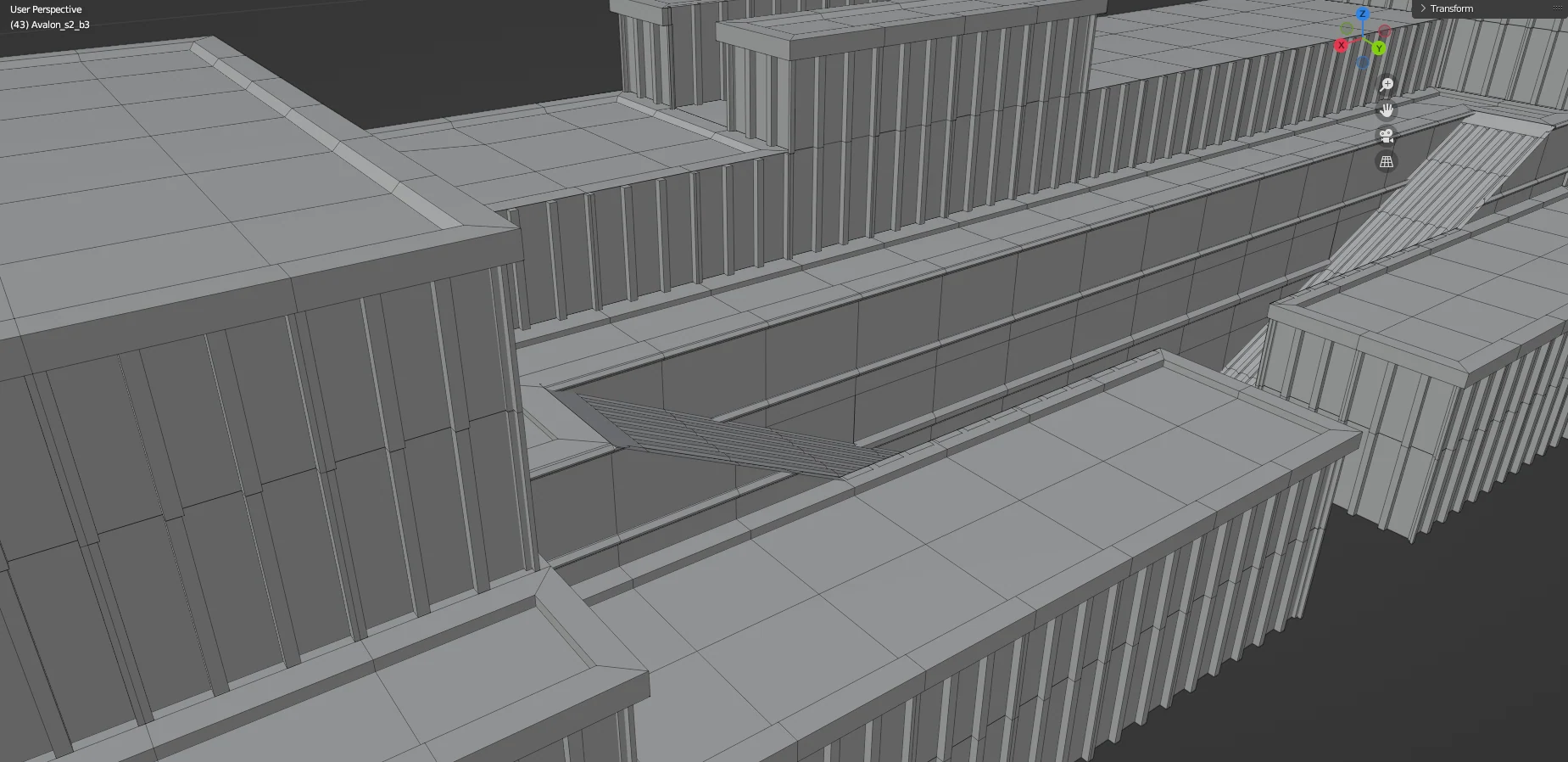
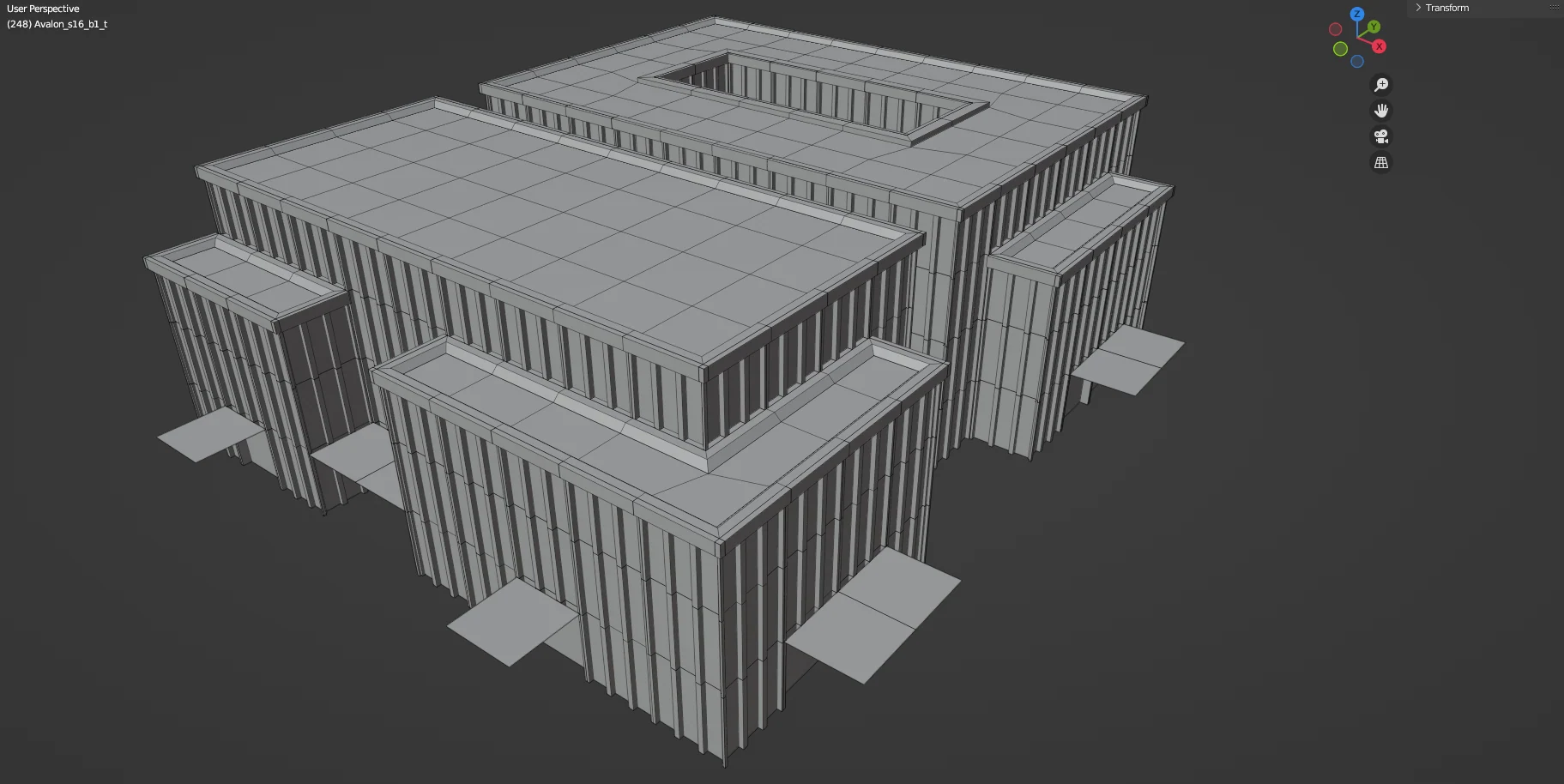
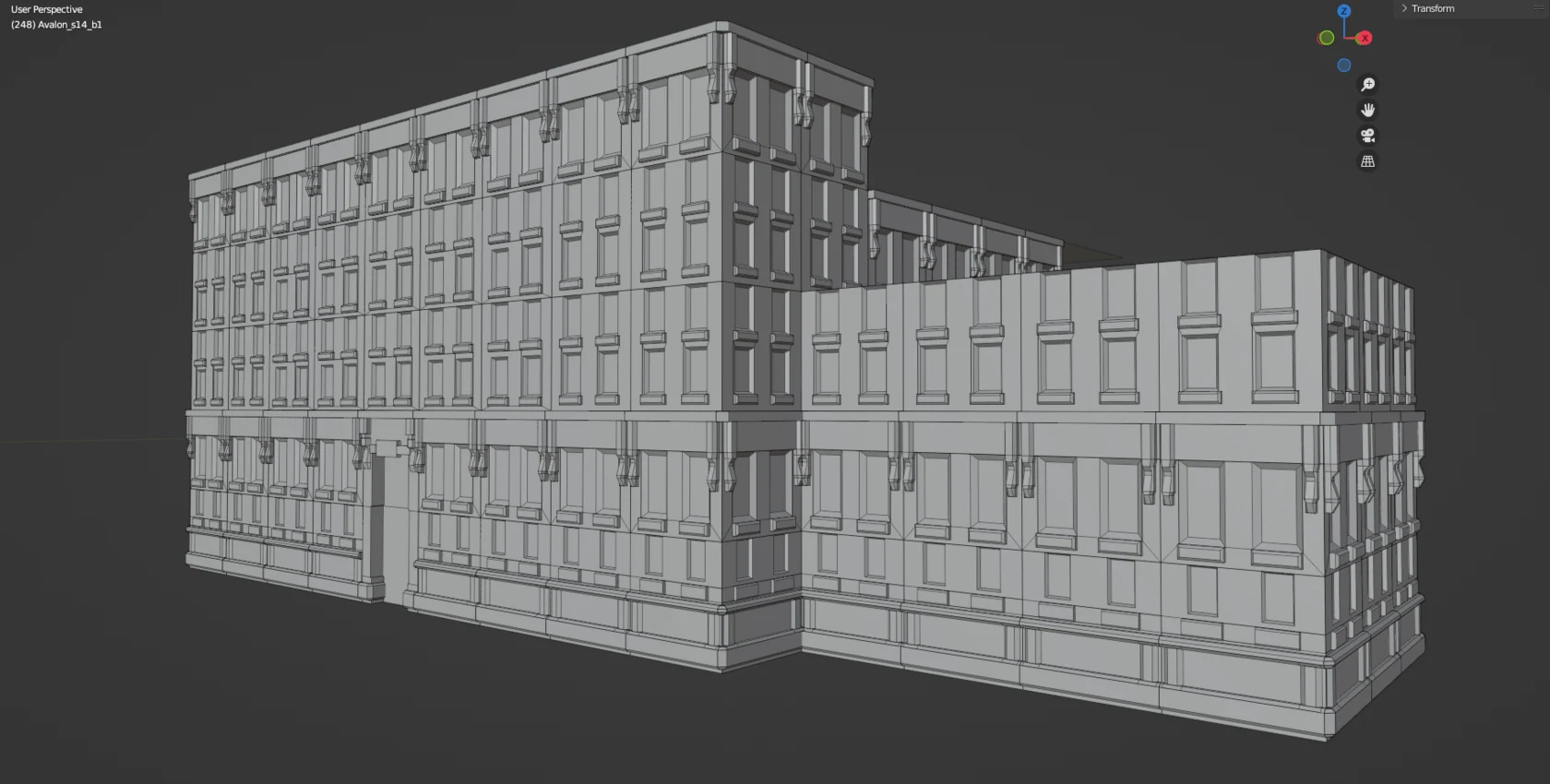
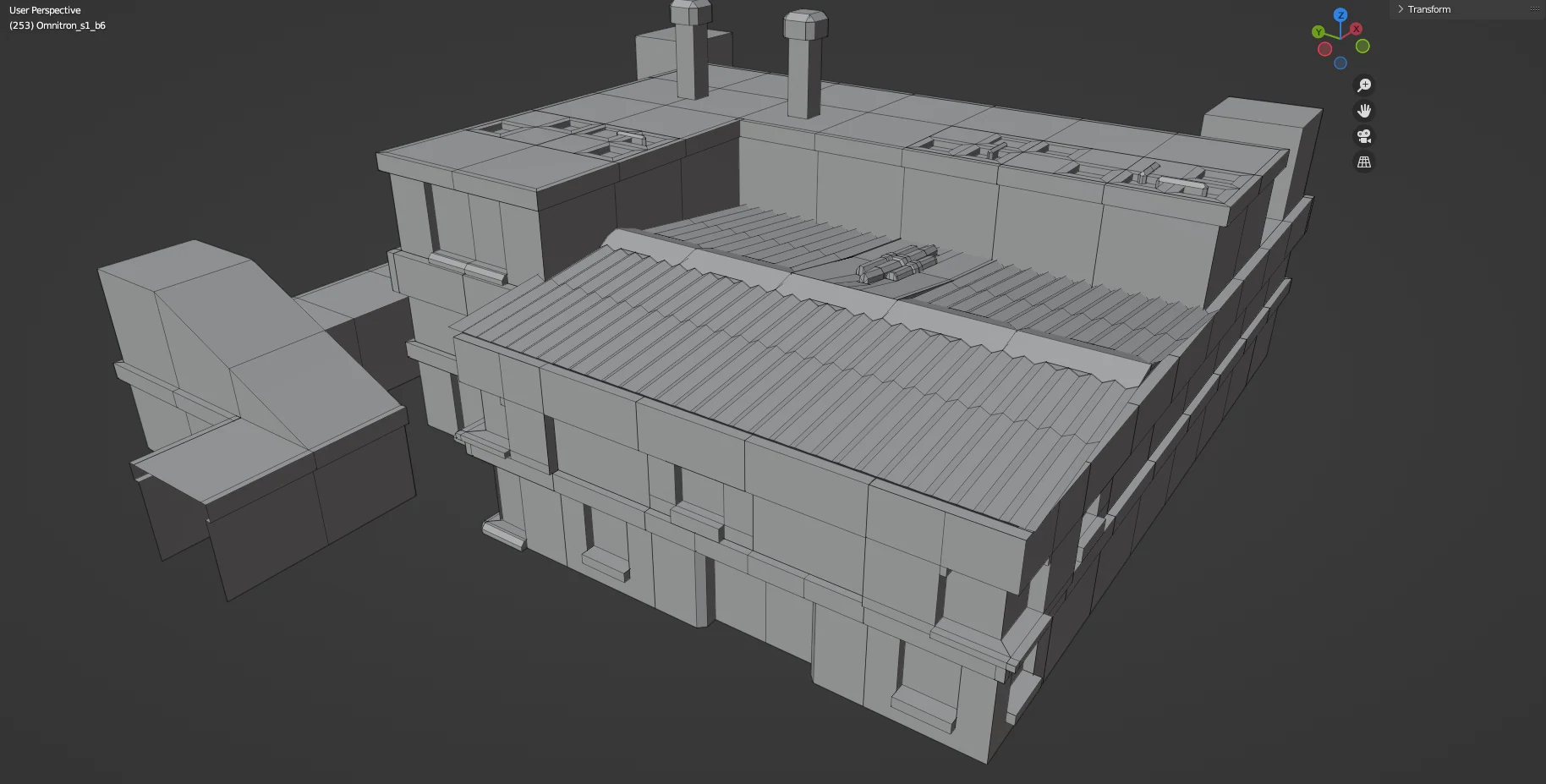
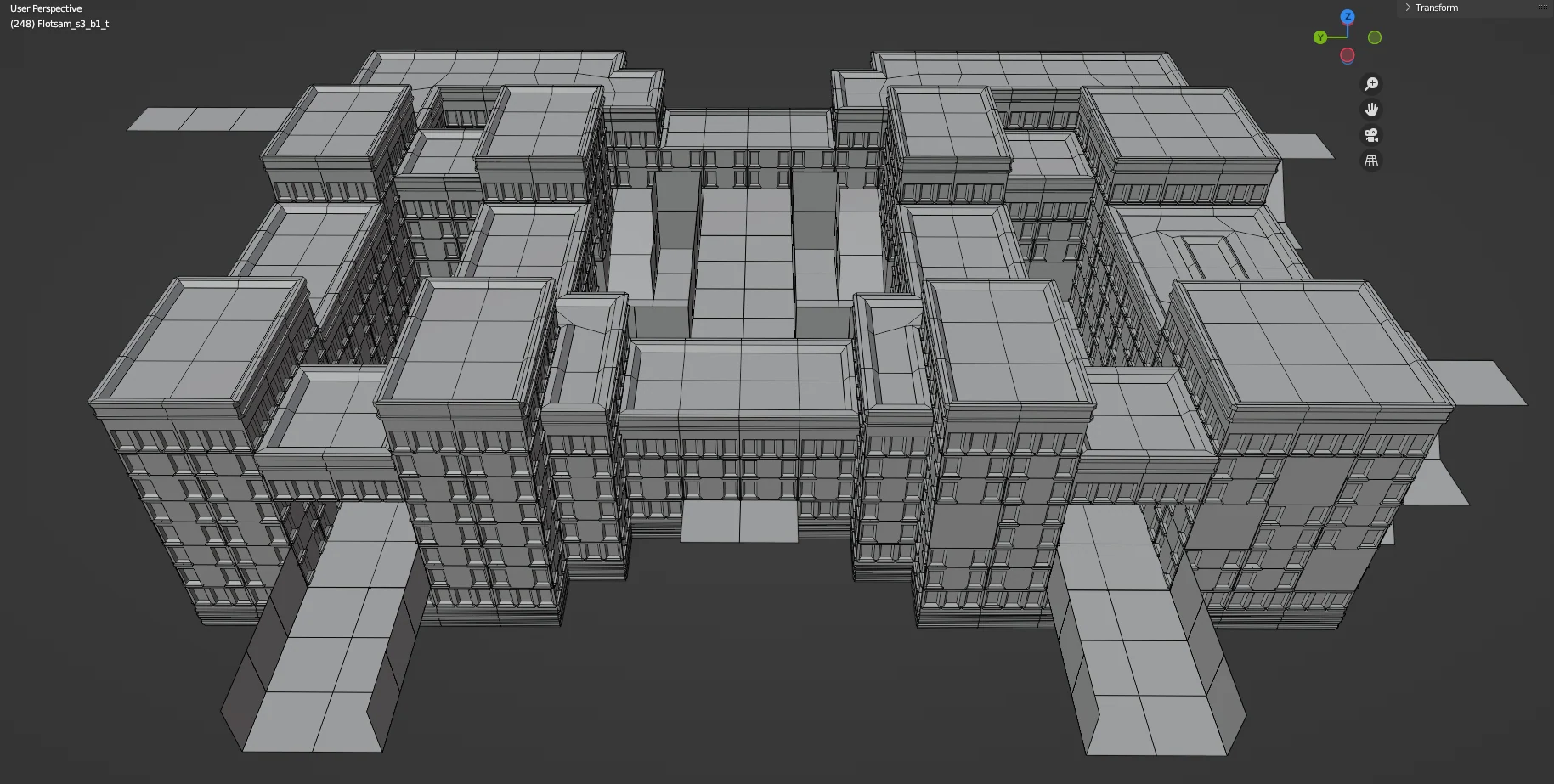
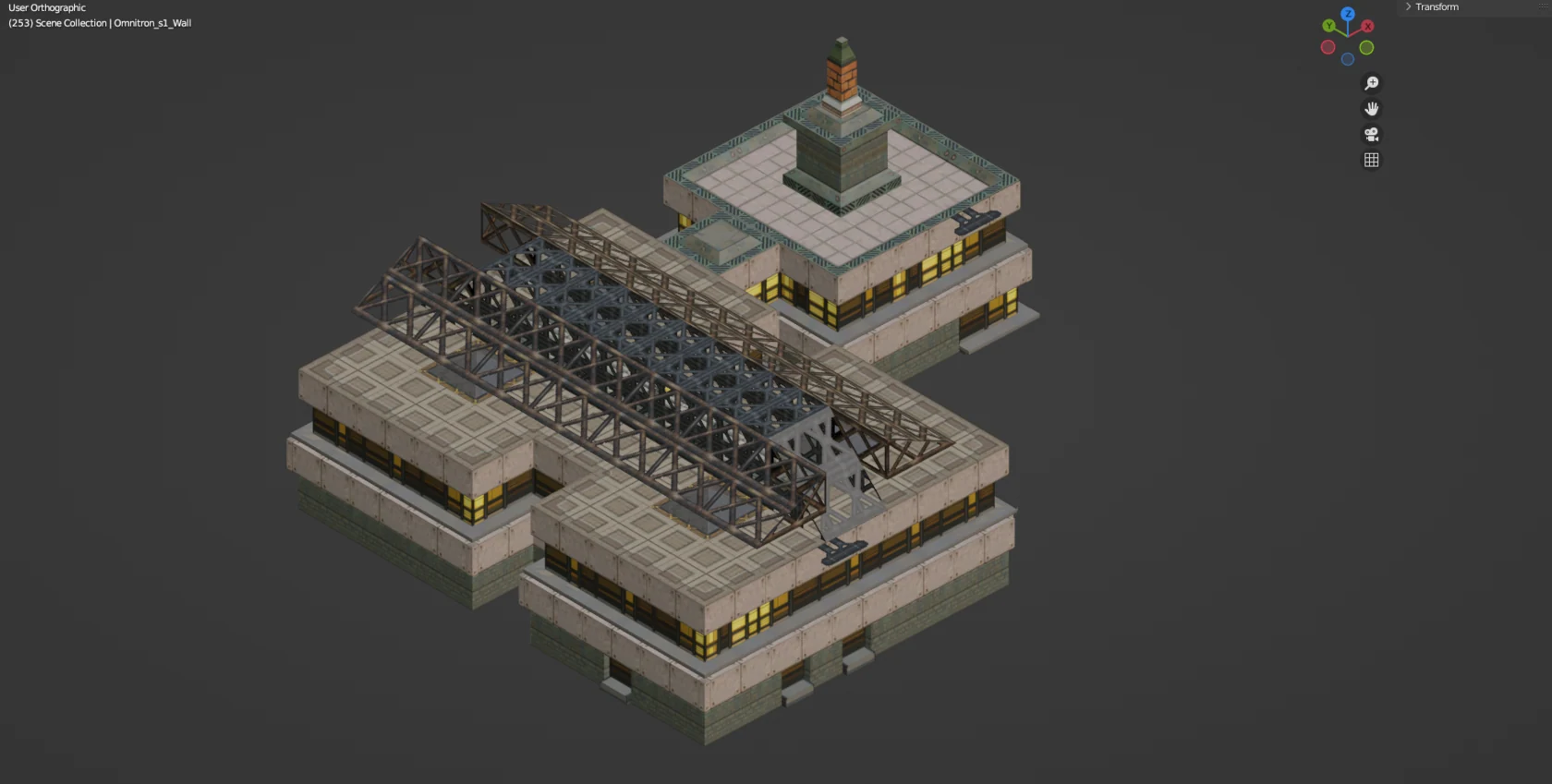
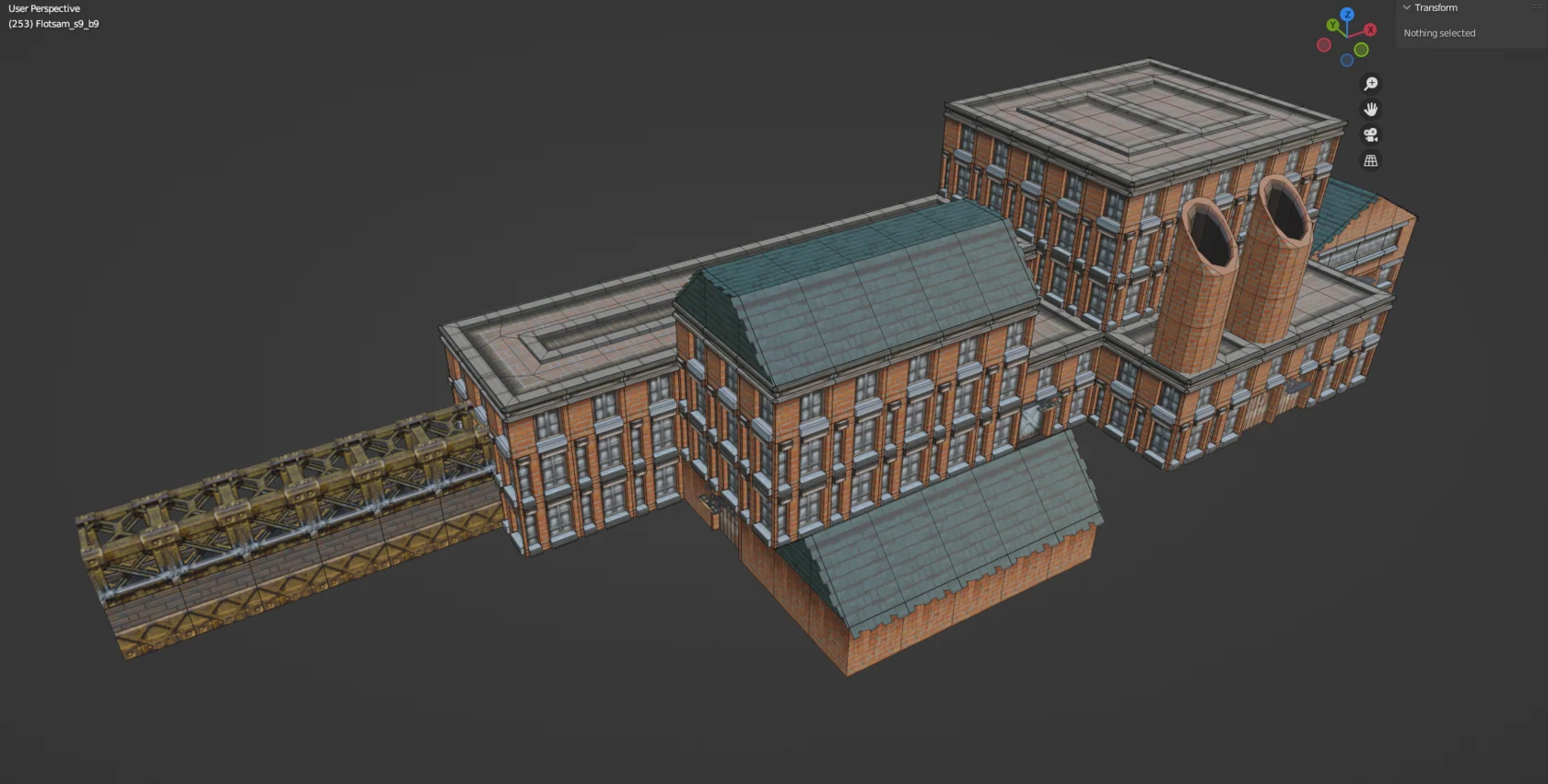
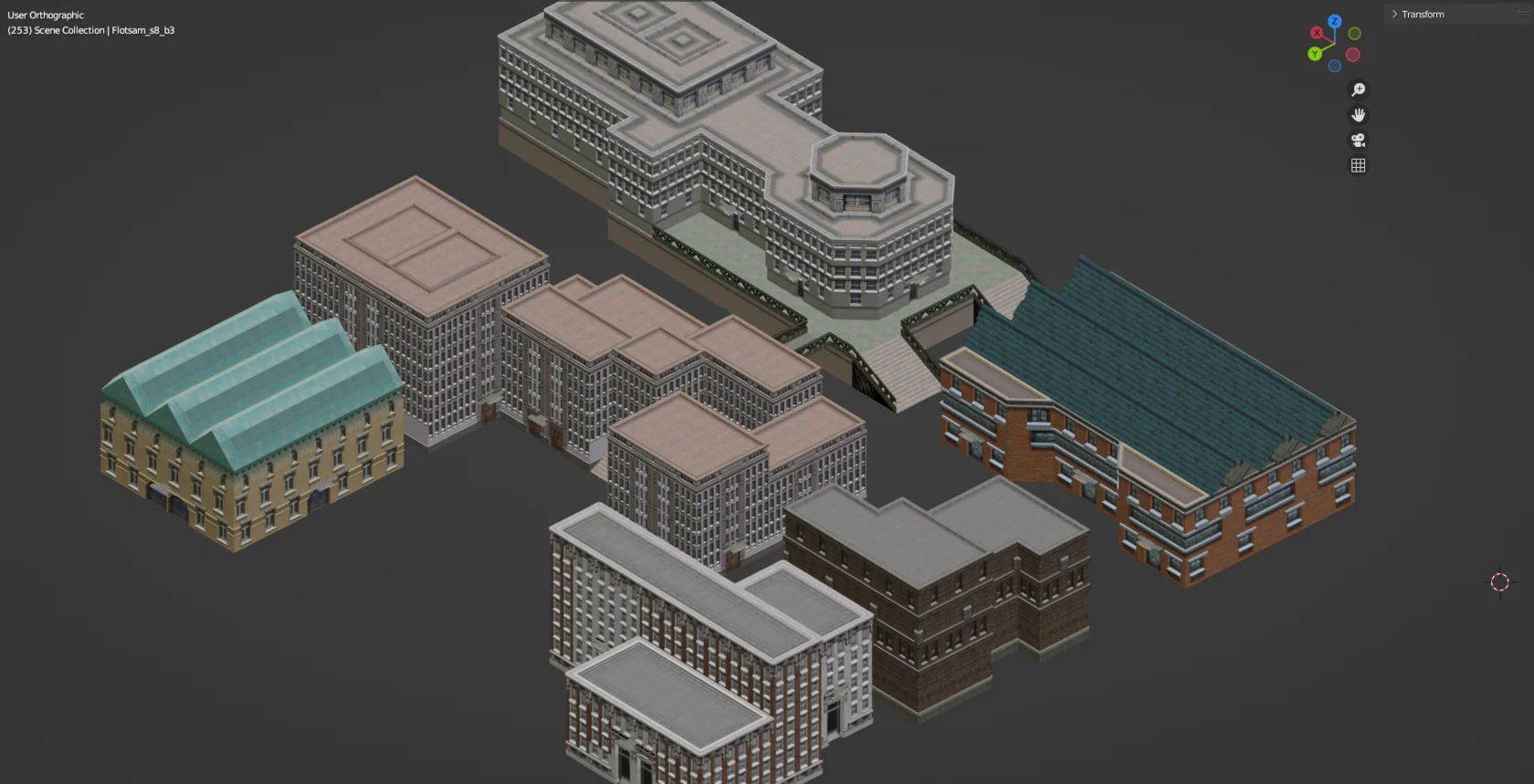
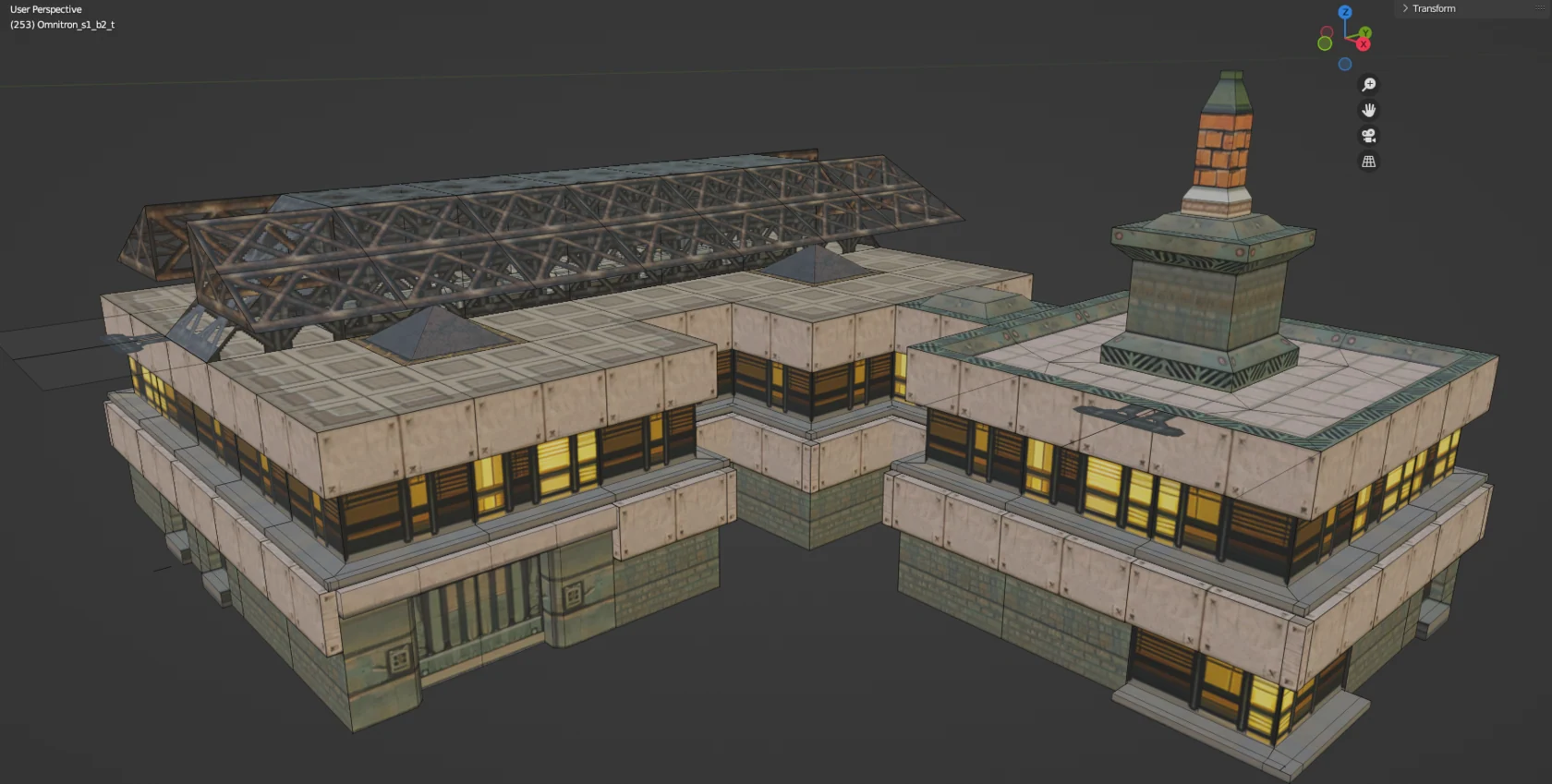
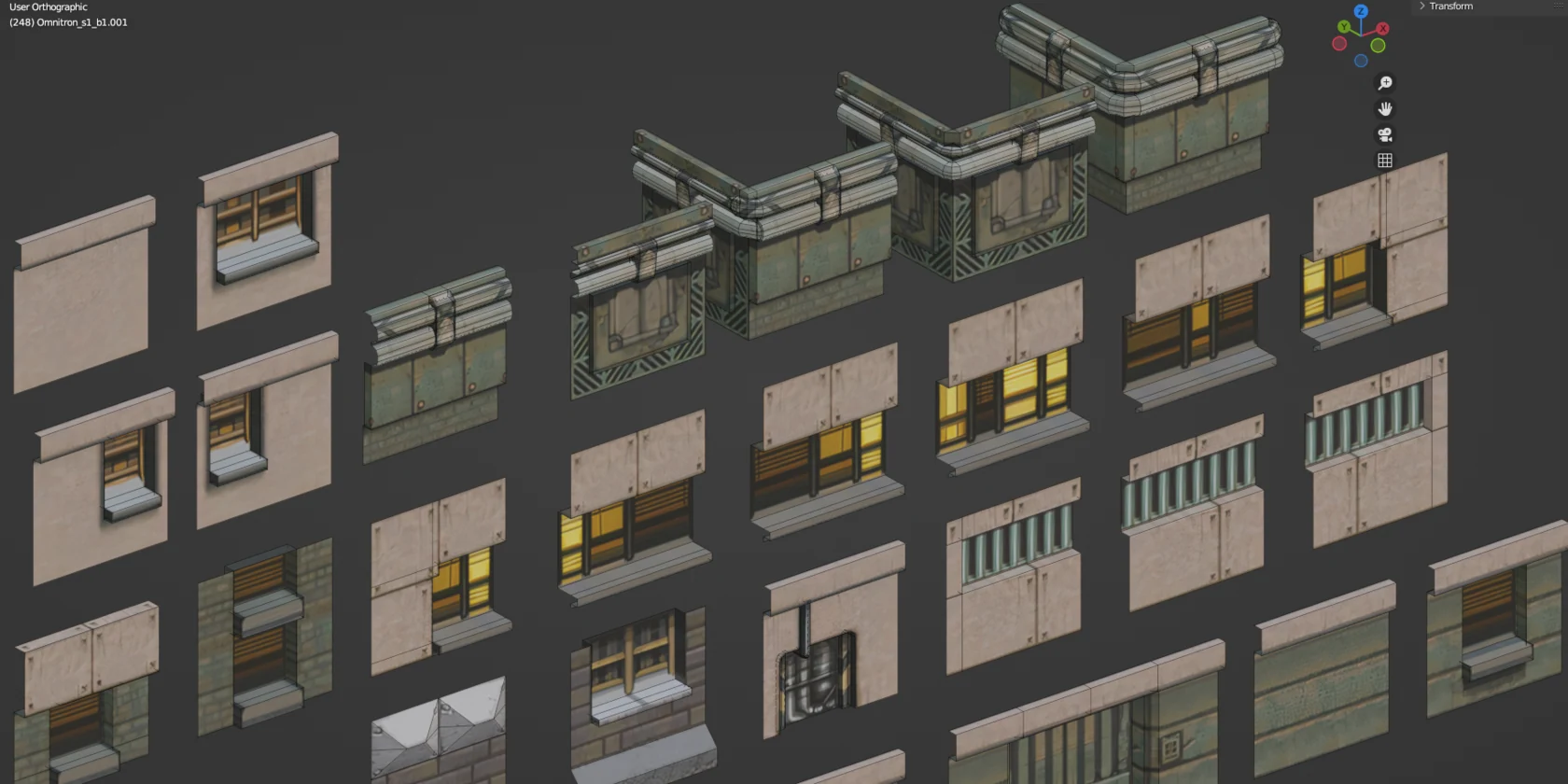
- Refined building shapes in Blender—cornices, windows, doors, moldings, roofs, signs, lamps, and other elements were made 3D. Created a palette of 3D tiles.
- Placed and baked lighting.
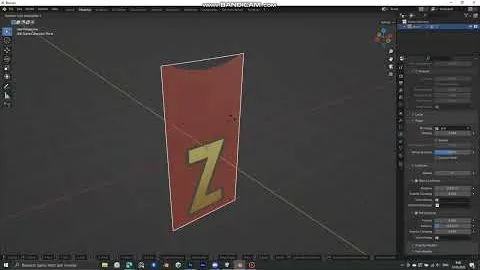
- Created flags in Blender and Photoshop with cloth simulation and baked physics animations.
- The ground mesh was divided into zones—roads, sidewalks, crosswalks, and grass—to ensure proper NPC behavior and accurate footstep sounds.
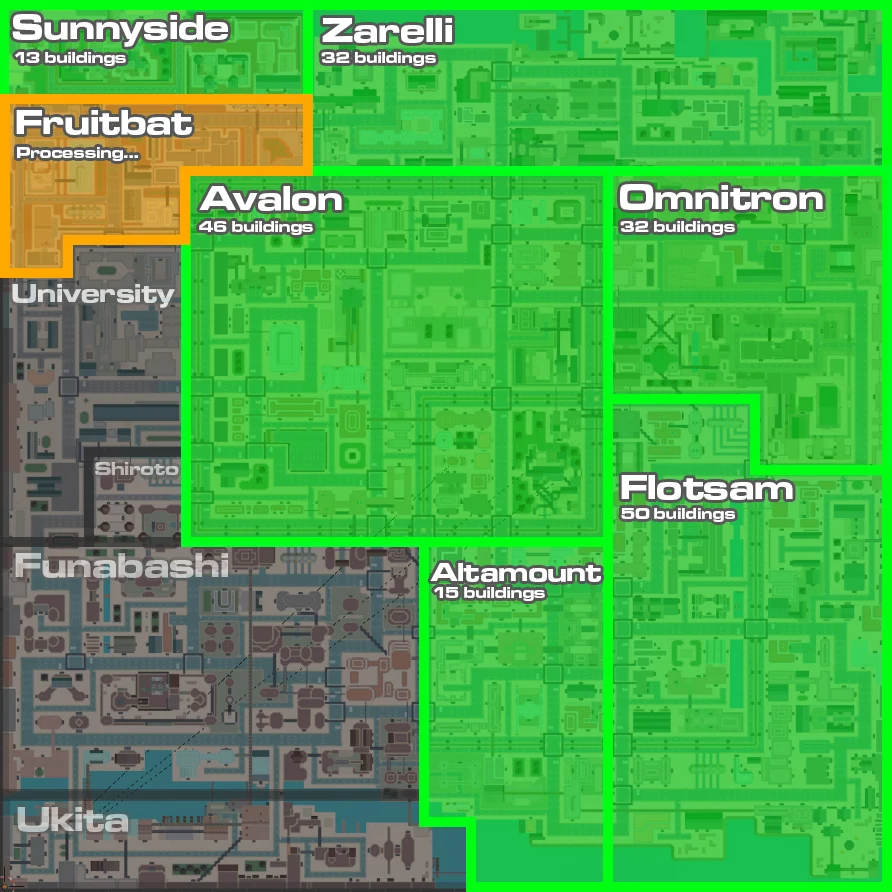
Currently, 188 buildings are completed.
 Vehicles
- Conducted research on real-life cars referenced by the Rockstar developers.
- Found and edited car models in Blender, adjusting shapes to match vehicles from GTA2 and adding necessary details.
- Reduced polygon count and optimized model complexity.
- Split meshes to match the hierarchy required for the project.
- Created custom textures for some vehicles by hand in Photoshop.
- Programmed a car controller using WheelCollider.
- Implemented additional features, including engine activation, tire marks with TrailRenderer, burning effects, destruction with mesh replacement, sirens, and logic for headlights and brake lights.
- Tuned materials and colors to stay true to the look of GTA2 while giving them a more modern and polished appearance.
So far, 18 cars have been completed.
 Character
- The character model is sourced from the Apocalypse Pack by Synty Studios.
- Rigging and animations were set up using Mixamo.
- A custom controller was programmed using CharacterController for manual movement and NavMeshAgent for automated navigation and interaction with vehicles.
- Bugs/features from the original GTA2 were faithfully recreated, including the infinite jump and enhanced throwable mechanics.
- Inventory and weapon properties were implemented using ScriptableObject.
- Features automatic pathfinding to approach and enter the nearest car, even if it’s moving.
- Smooth camera adjustments based on movement state (on foot, in a car, or dead).
- Allows inventory-based weapon switching.
- Implements automatic damage calculations for falls based on speed and height.
 Weapons
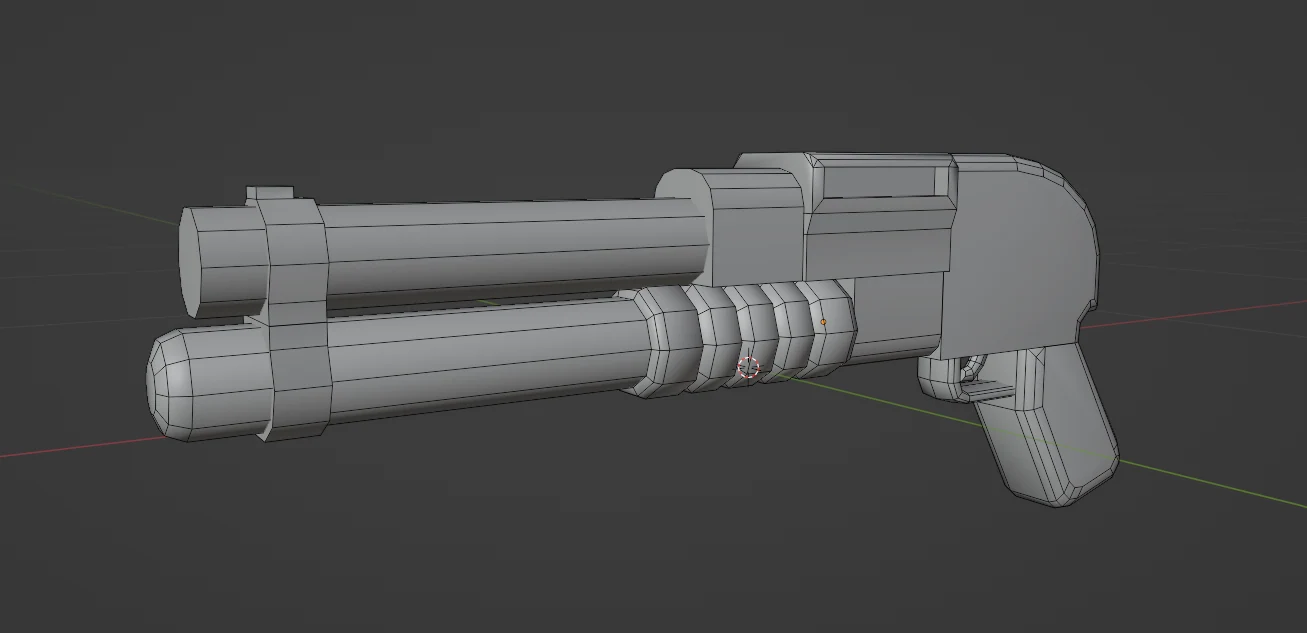
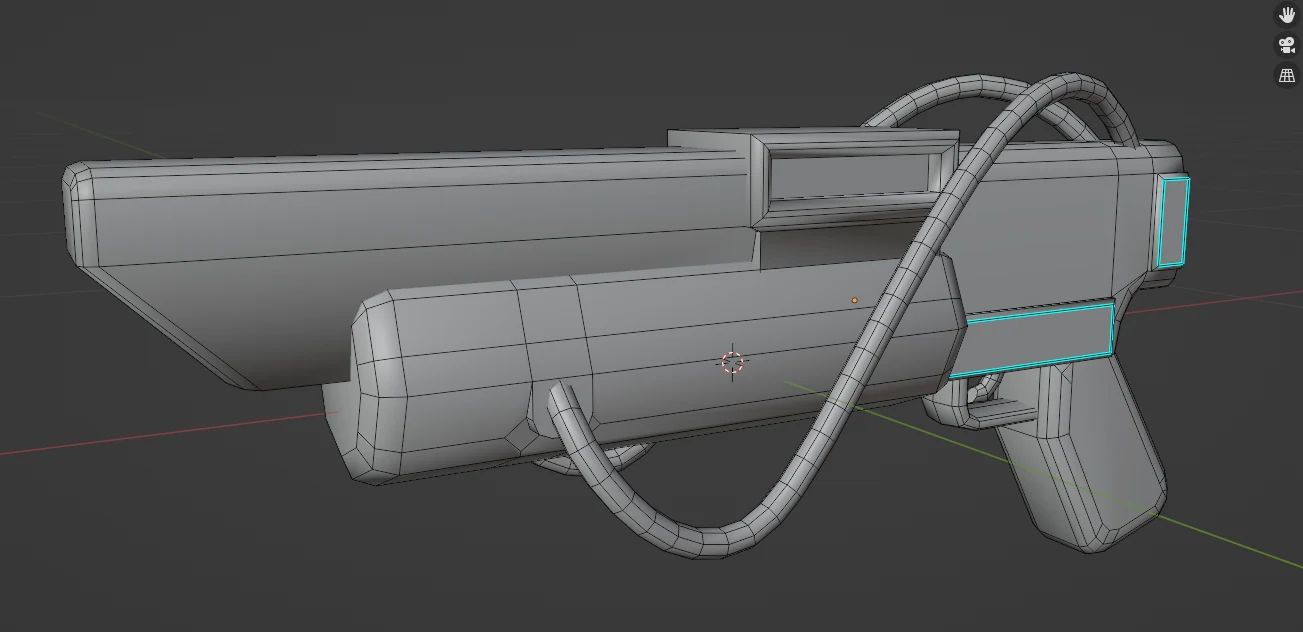
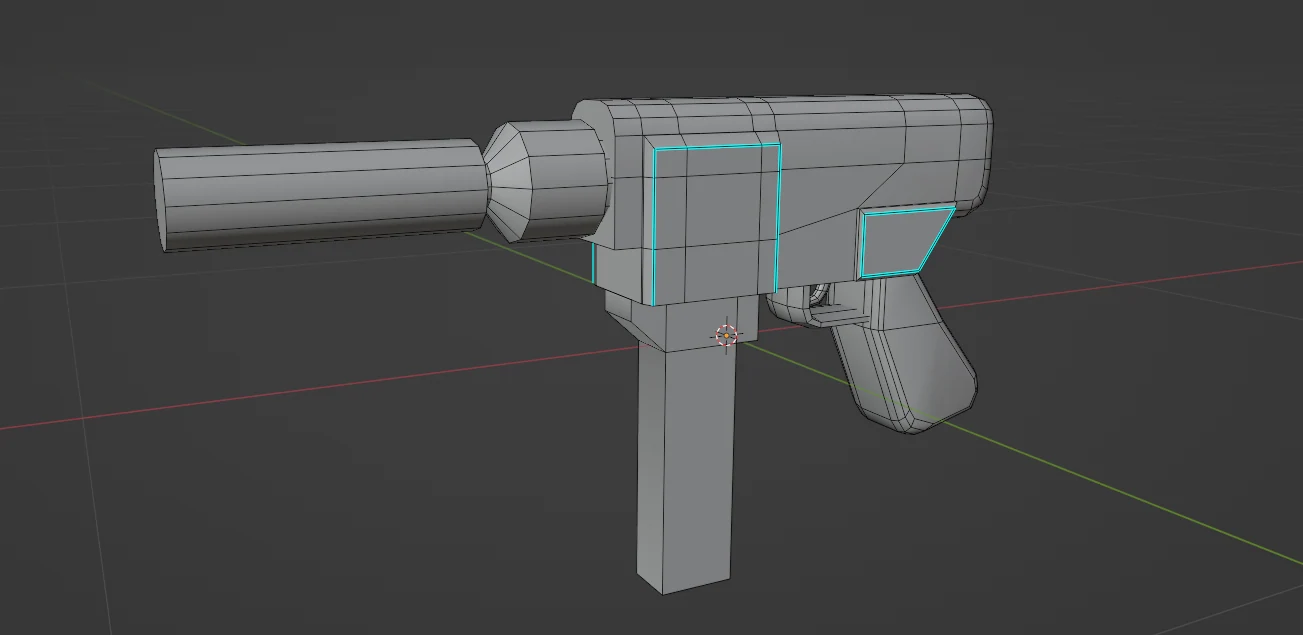
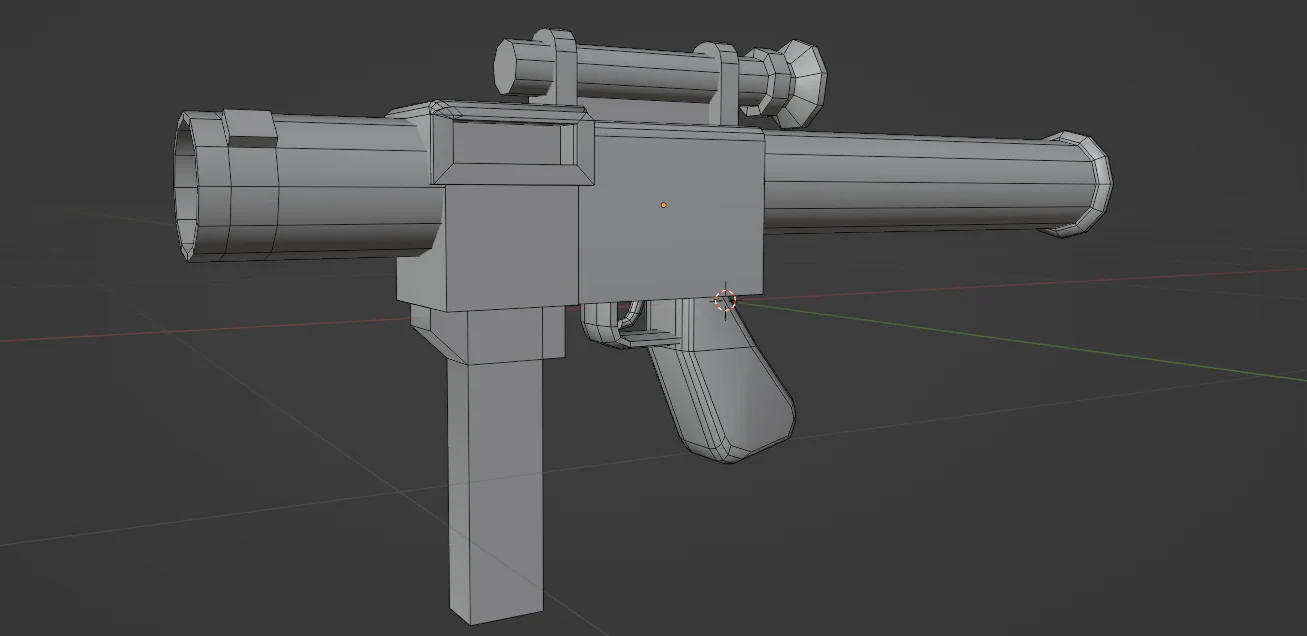
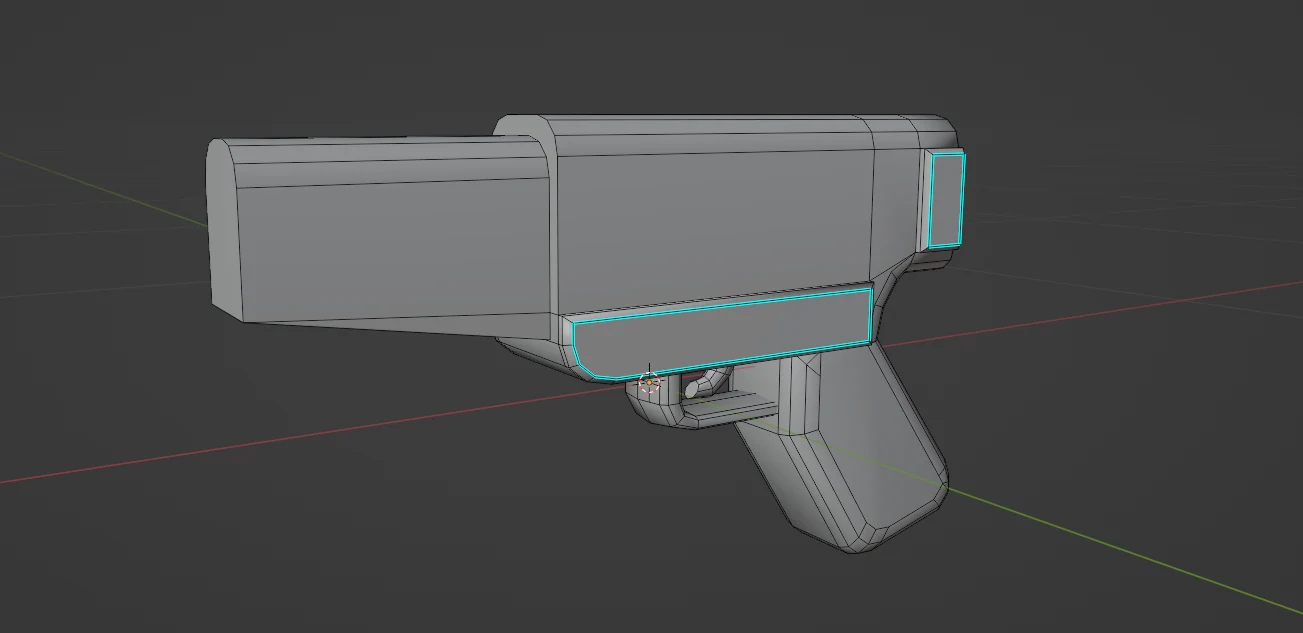
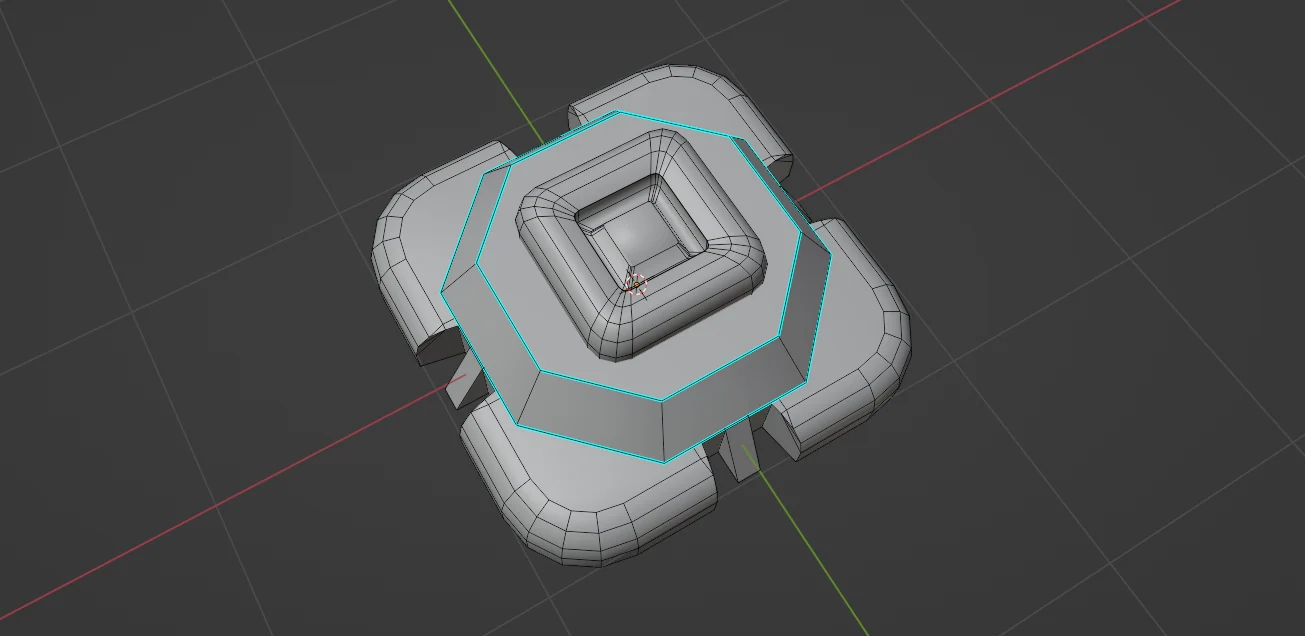
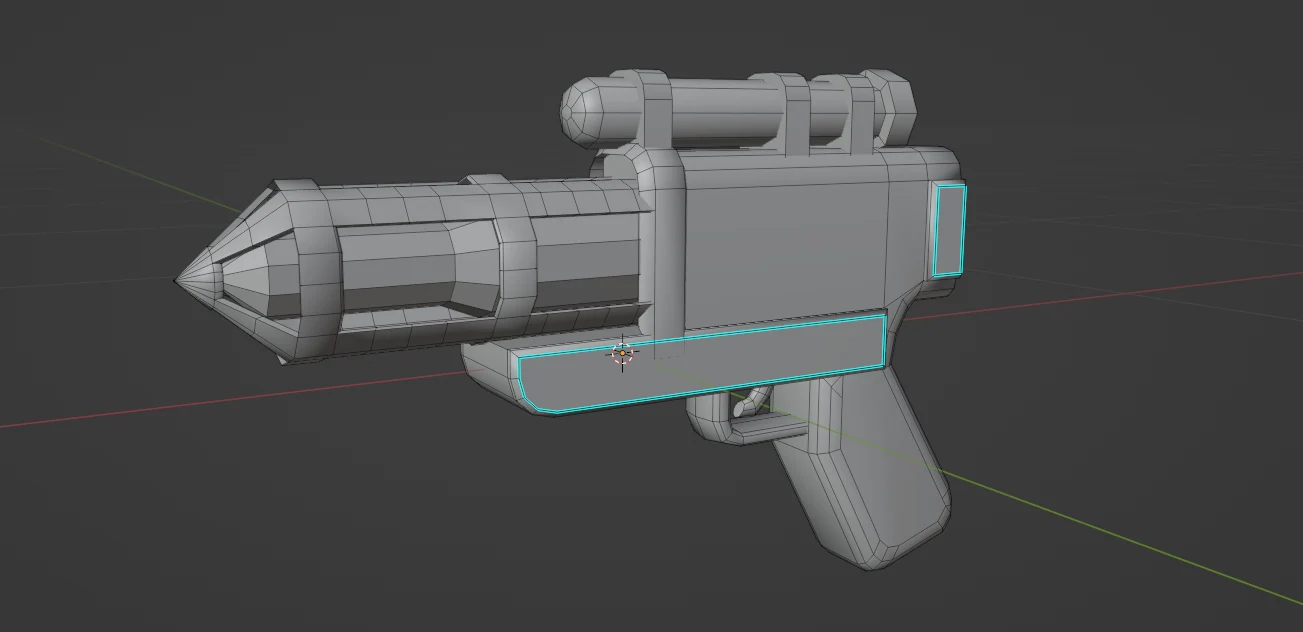
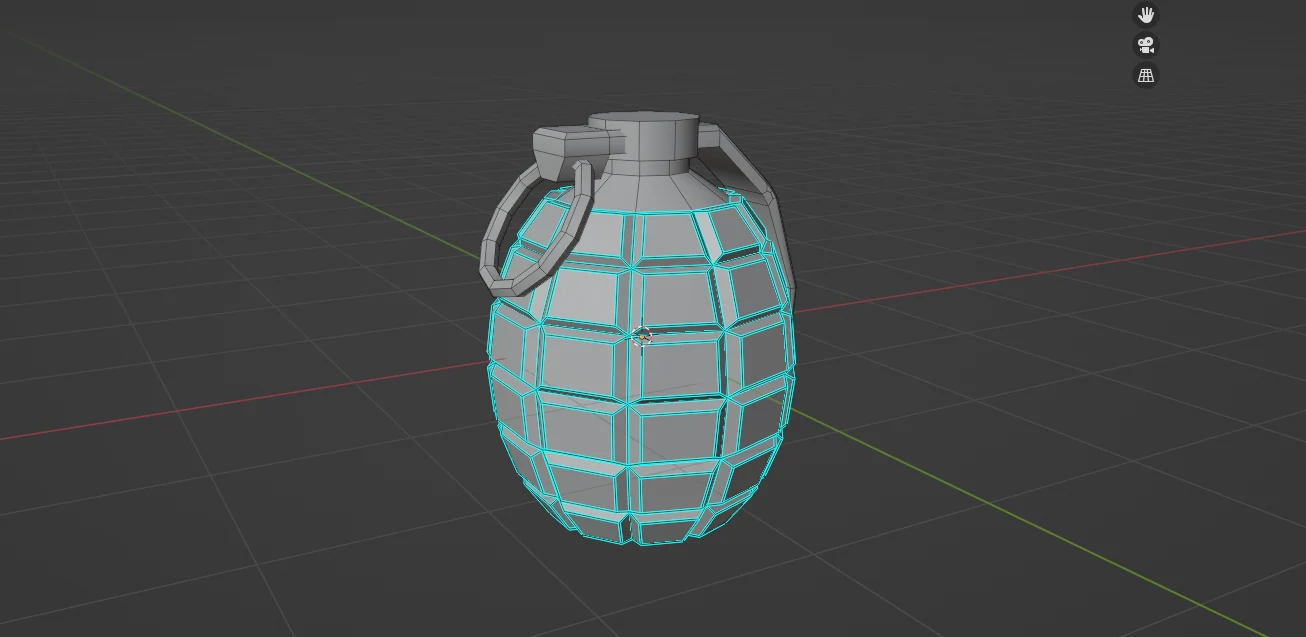
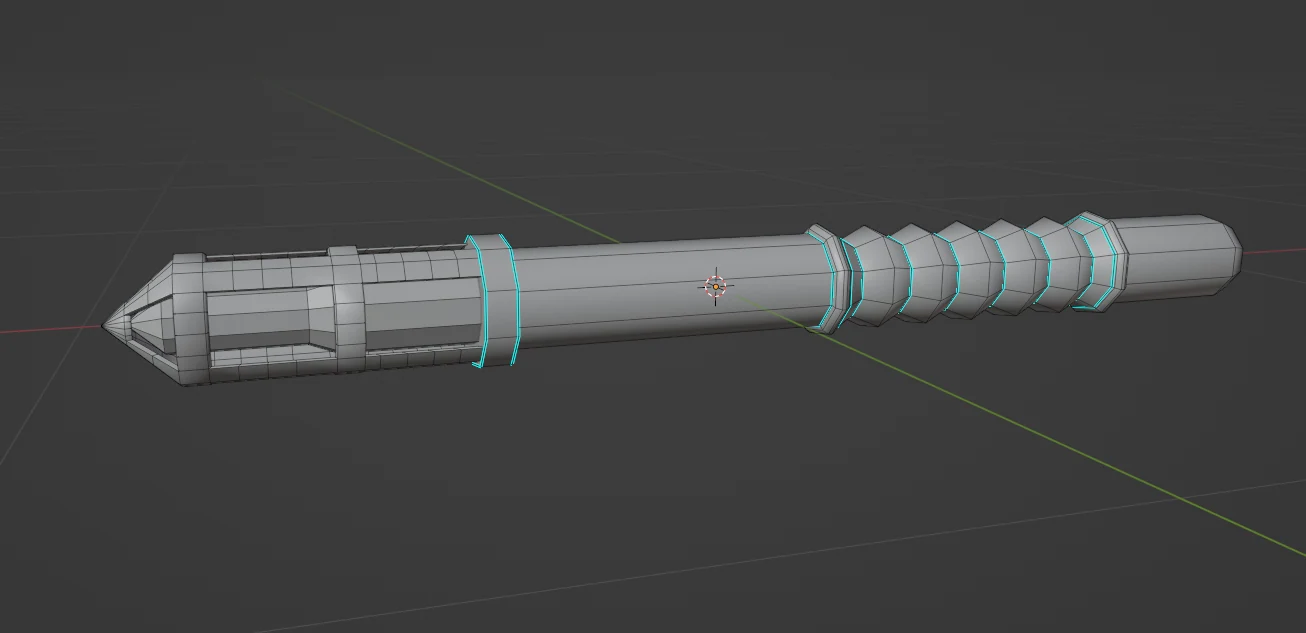
- All weapon models were created from scratch in Blender.
- Added an electric stun baton, a weapon that never made it into the final release of GTA2 but was left in the game files.
- Weapons are categorized by type, and each type triggers the corresponding character animation when firing.
- Implemented a bug-feature where grenades and Molotovs travel farther when thrown while running.
- Weapon properties are stored in a ScriptableObject, including parameters like icon, name, fire rate, prefab reference, ammo type, and ammo count.
- Technically, weapons simply spawn projectiles, while each projectile has its own script for settings and behavior.
- Implemented an unarmed punch attack that knocks out pedestrians for a few seconds—just like in the original game.
 Pedestrians
- Pedestrian roles and behavior states are managed using a switch-based system.
- Bots spawn at predefined points near the player and are removed when the player moves too far away.
- Calm bots walk only on sidewalks, restricted by NavMeshAreas, while frightened bots scatter across all areas, including roads, lawns, and other zones.
- Features dynamic collision thresholds with cars based on speed: light bumps push bots, stronger hits scare or kill them, and high-speed collisions result in instant death.
- Bots are thrown backward by explosions, with physics-based knockback and delayed death upon landing.
- Includes the ability to knock bots out for a few seconds using unarmed attacks.
 Powerups
- Redrawn by hand from original icons in Photoshop.
- The models are made in Blender. The drawings on the icons are 3D.
 UI
- Generated a font atlas with the alphabet using gtamp.com.
- Integrated the font into Unity using built-in tools.
 Particle Effects
- Extracted original sprites using gta2stytool.
- Enhanced their resolution with letsenhance.io.
- Created animated spritesheets for each effect.
- Assembled and configured ParticleSystems.
City
While exploring the modding corners of the internet, I came across a tool called gta2stytool. It allows you to dive into the original game files and export assets in formats compatible with popular software. That’s how I extracted the 3D models and textures of the city—and brought them into a Unity scene.
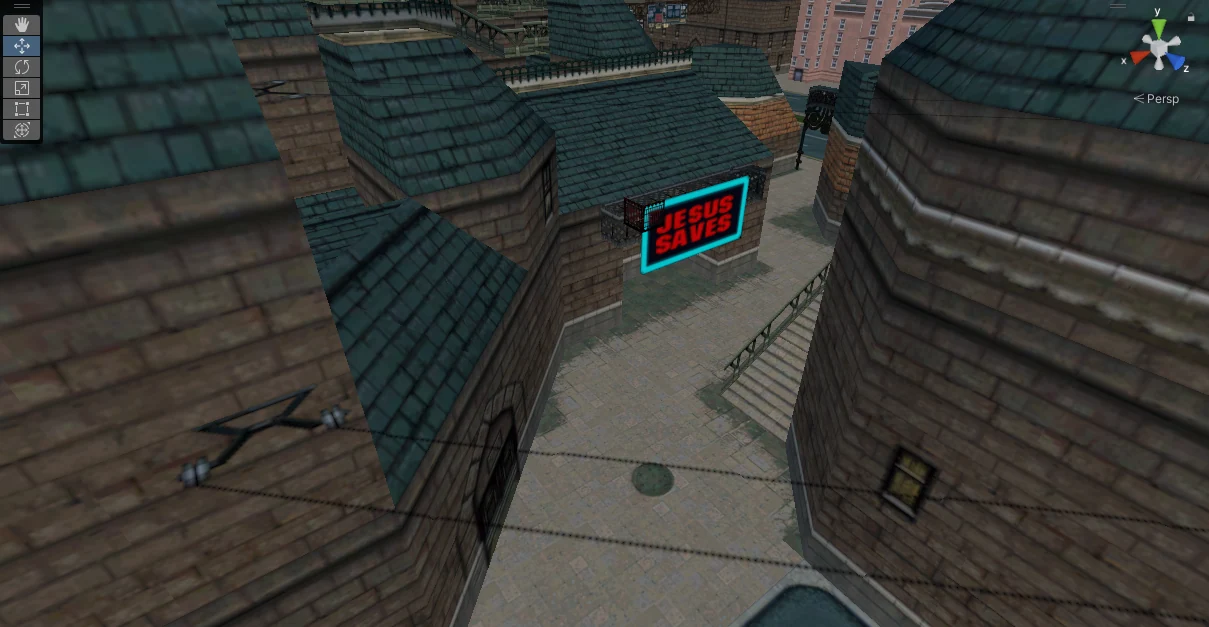
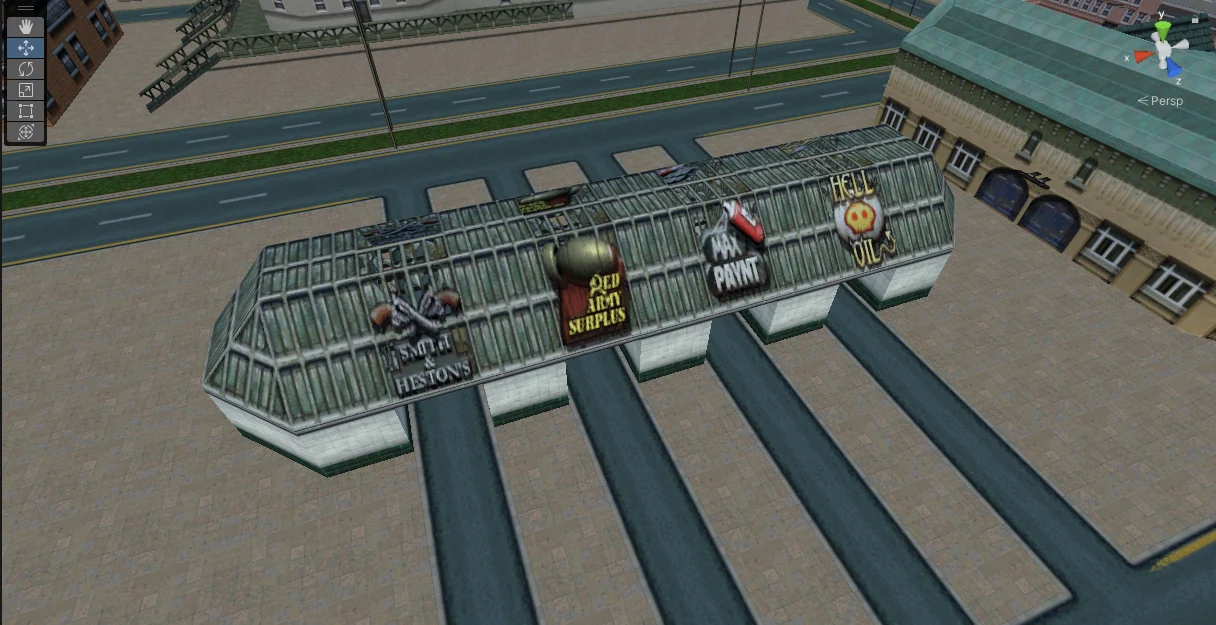
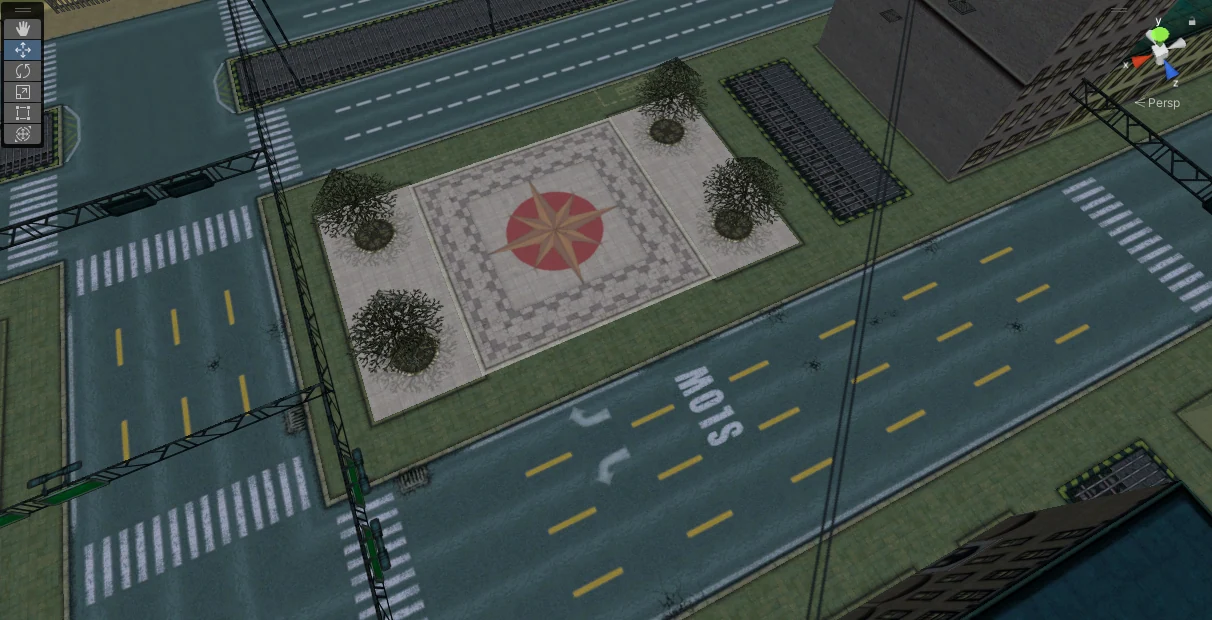
The building shapes were overly simplistic, and the textures were low-resolution—but the magic had already started to get to me. The next step was to enhance the city’s texture resolution. I used the letsenhance.io AI and generated a normal map in Photoshop. This simple step gave the city’s visuals a noticeable boost.
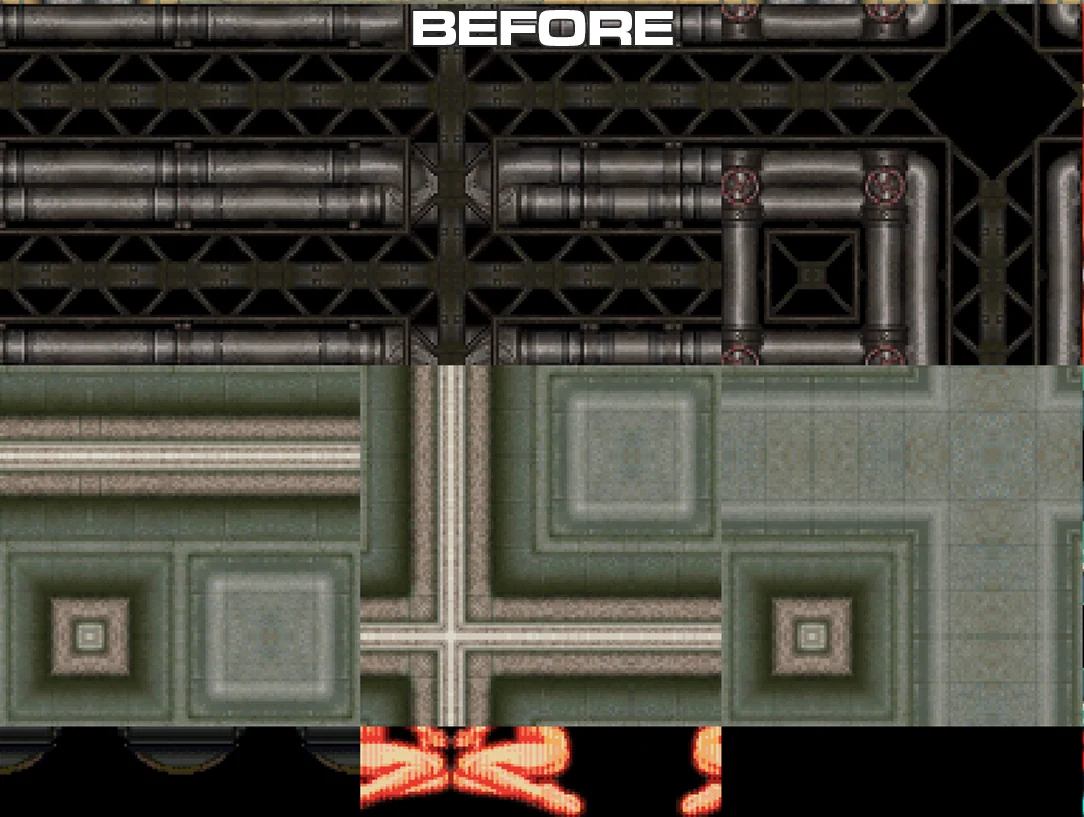
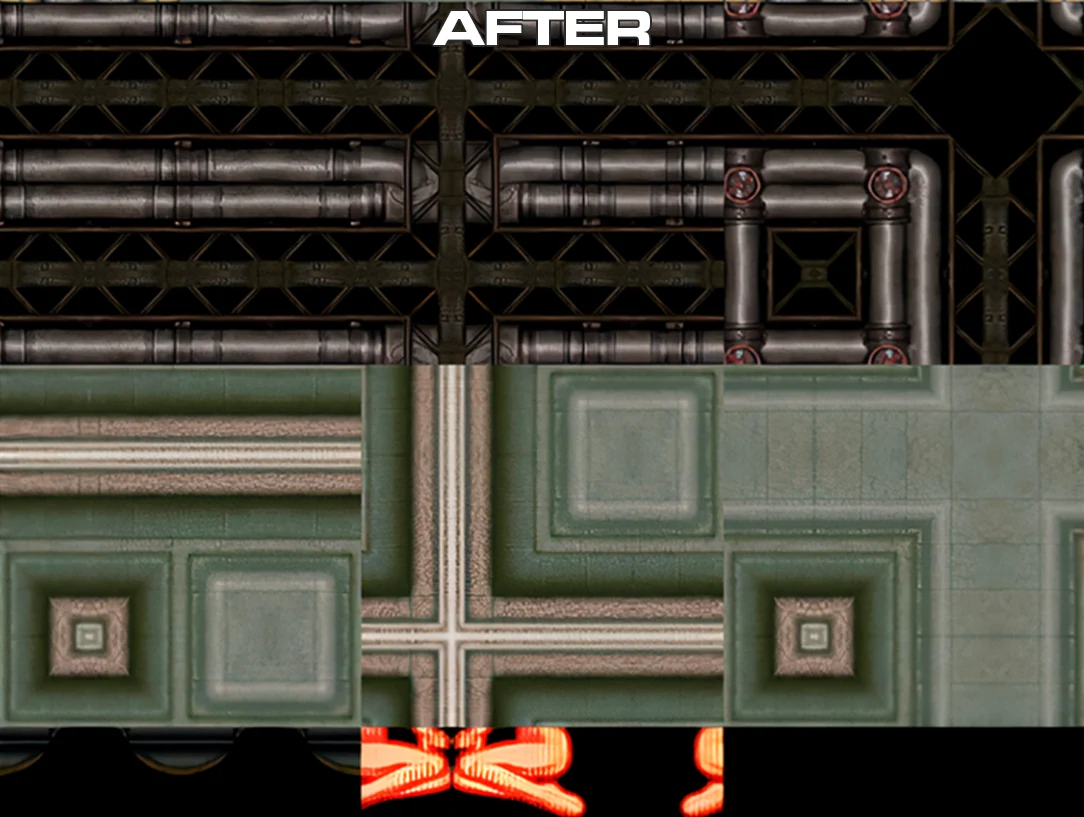
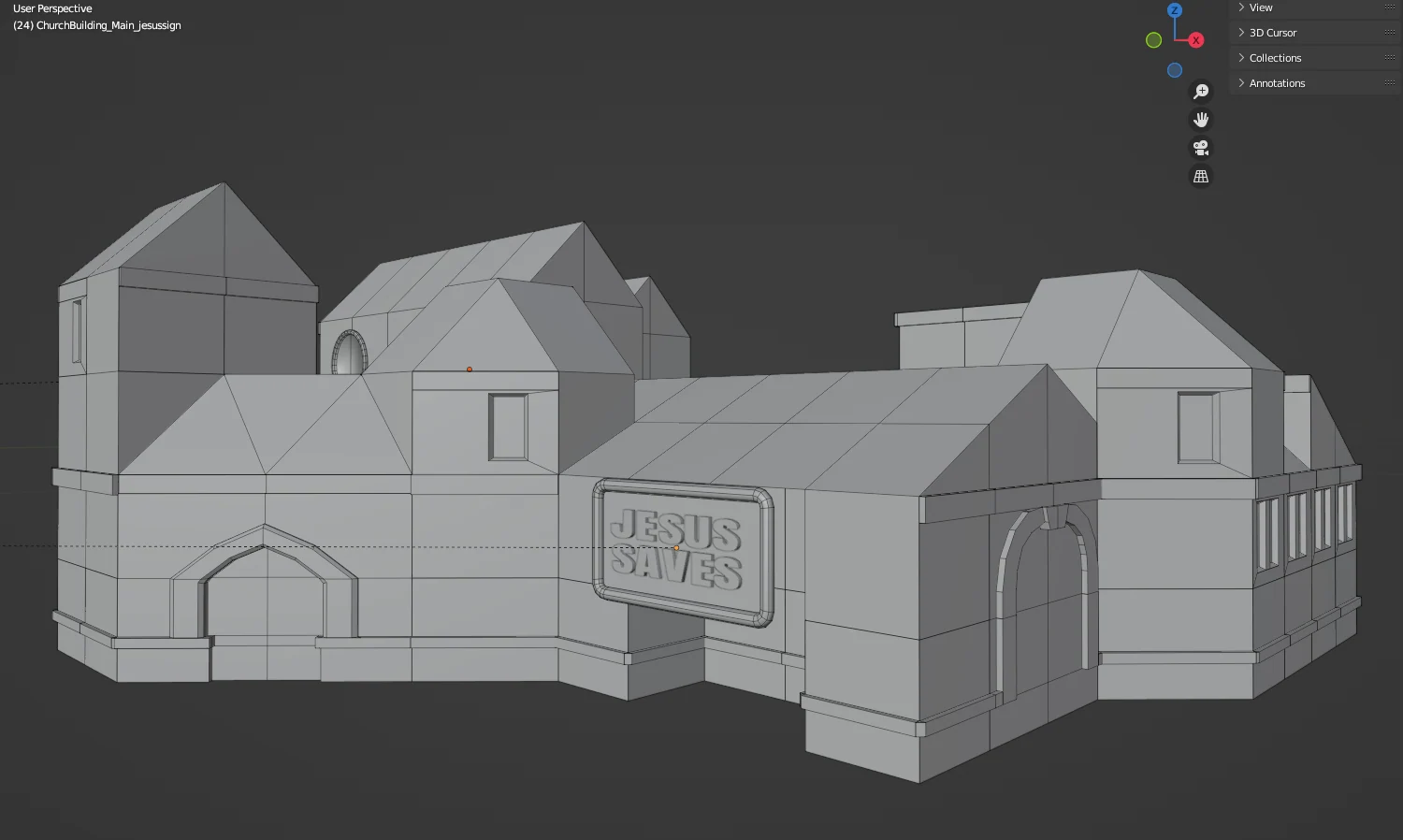
Next, I focused on adding details to the church to determine how far I could push the city’s level of detail without overdoing it. After all, these locations need to feel familiar—like memories from childhood. They’re meant to evoke nostalgia, not look unrecognizable. They don’t need to be changed—they need to be filled in.
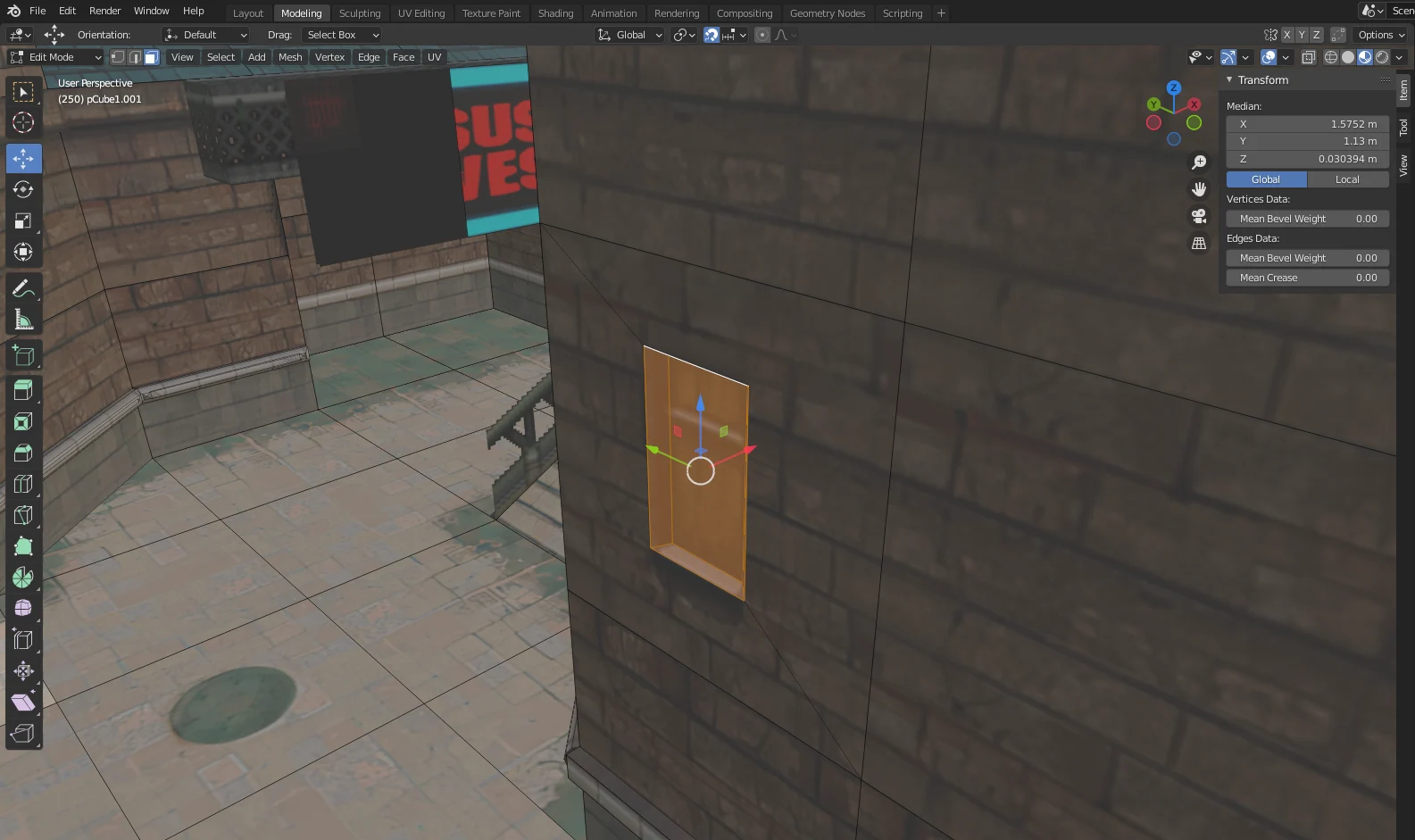
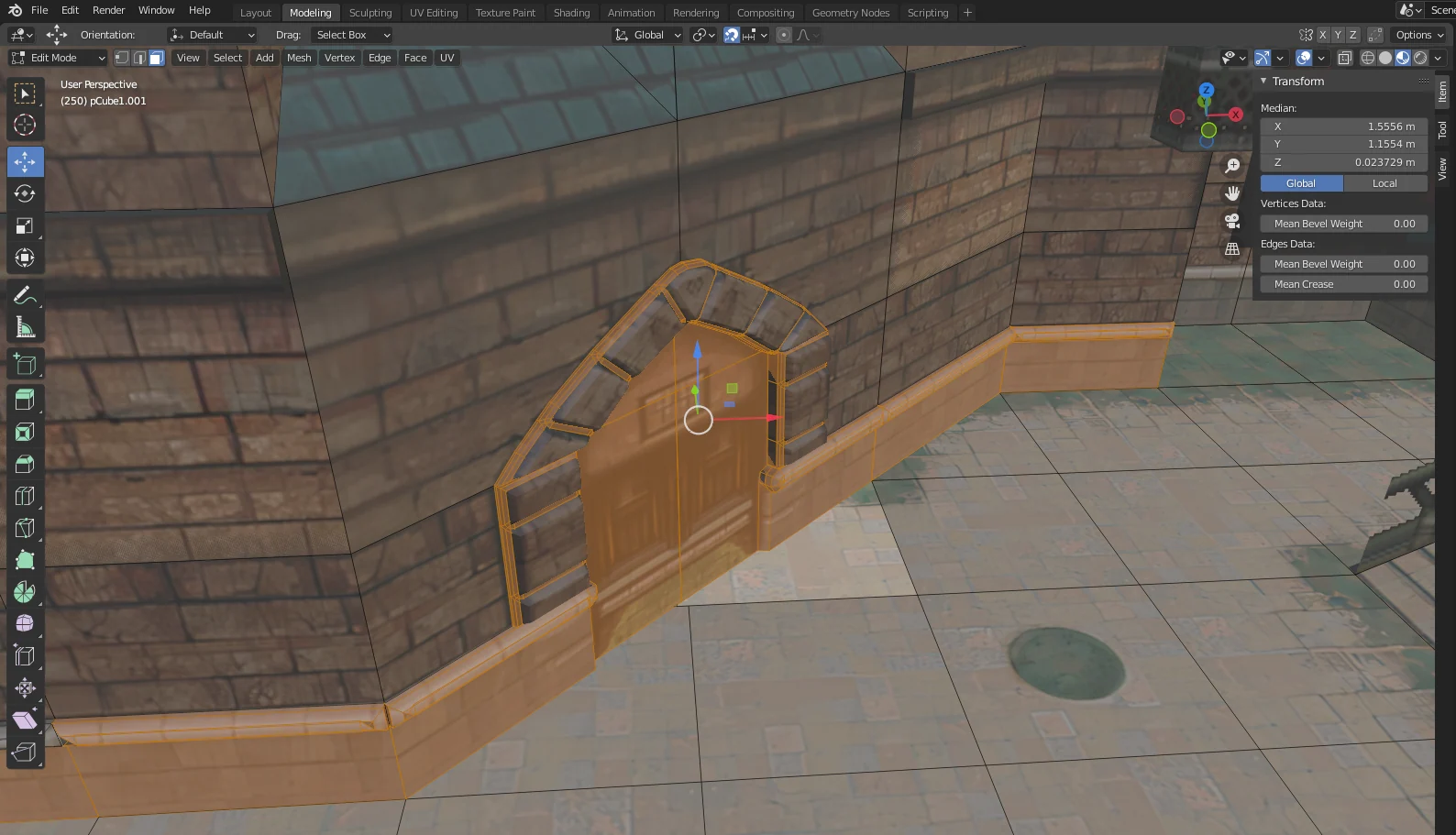
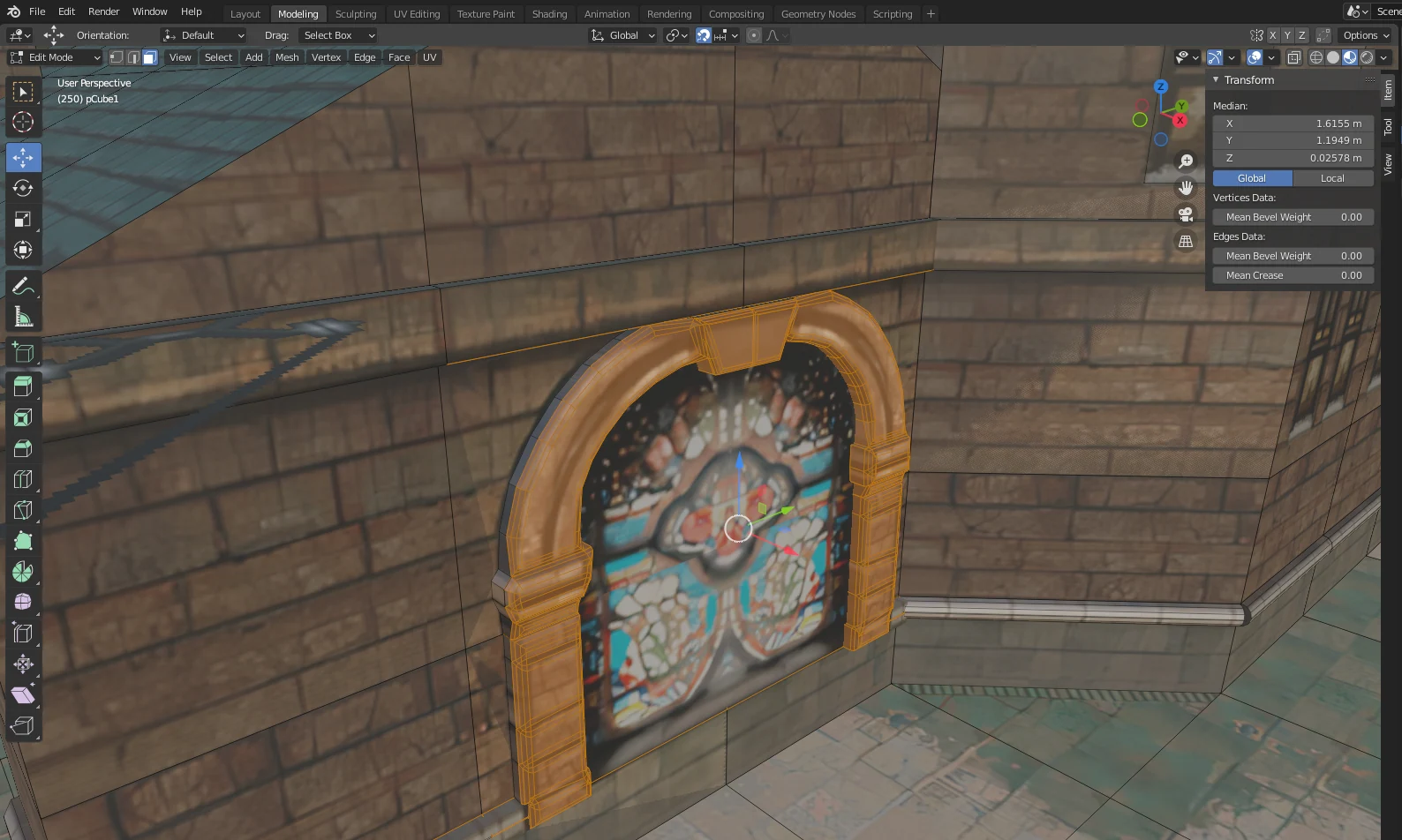
I started adding ventilation shafts, drainage pipes, wires, and cornices. I added new details that complemented the original visual style without clashing with it, such as sparking wires stretched between buildings or an artificial projection of a church's stained-glass mosaic. I also began editing the original building models, adding 3D details to match the elements already painted into the textures.
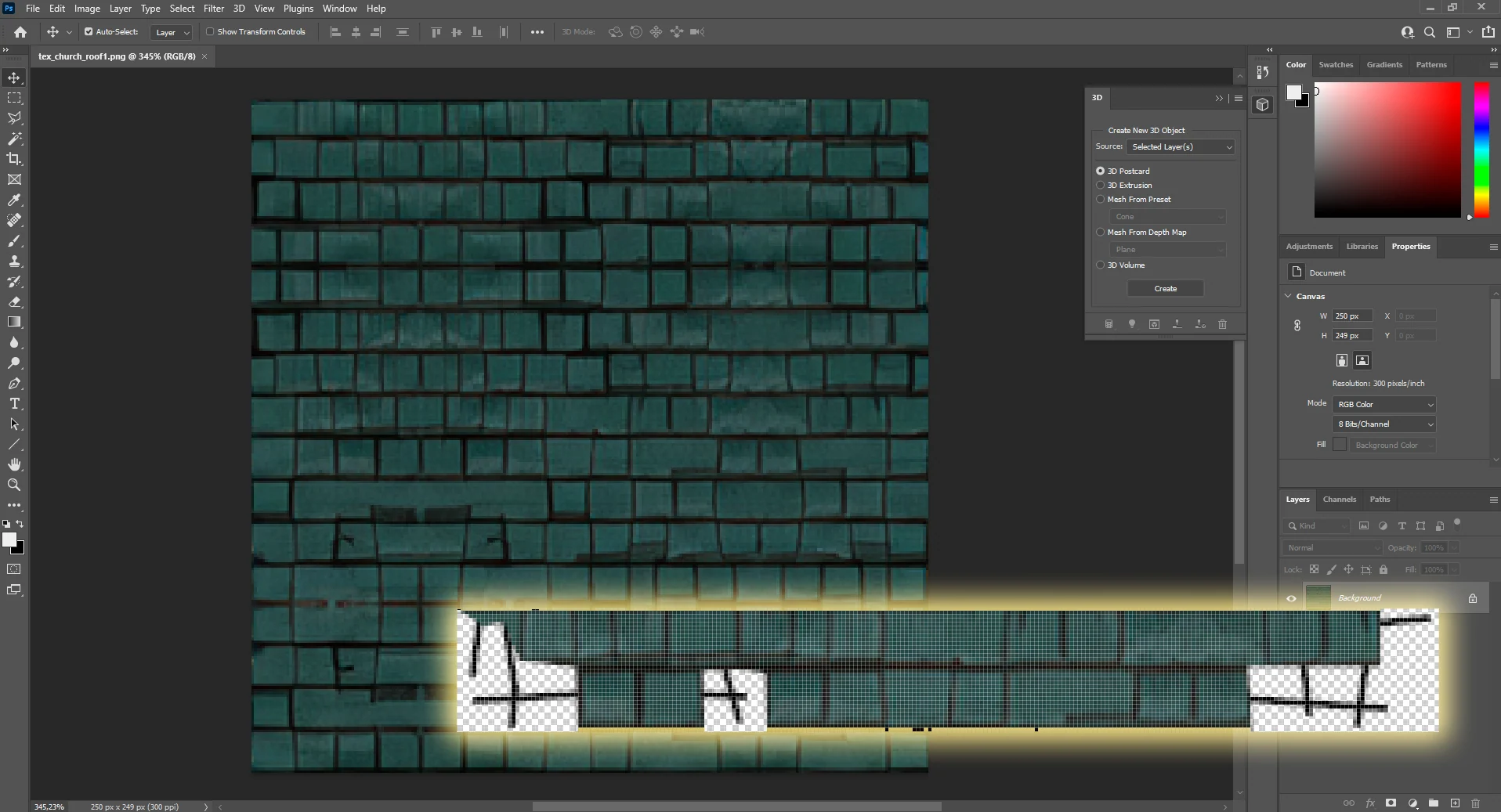
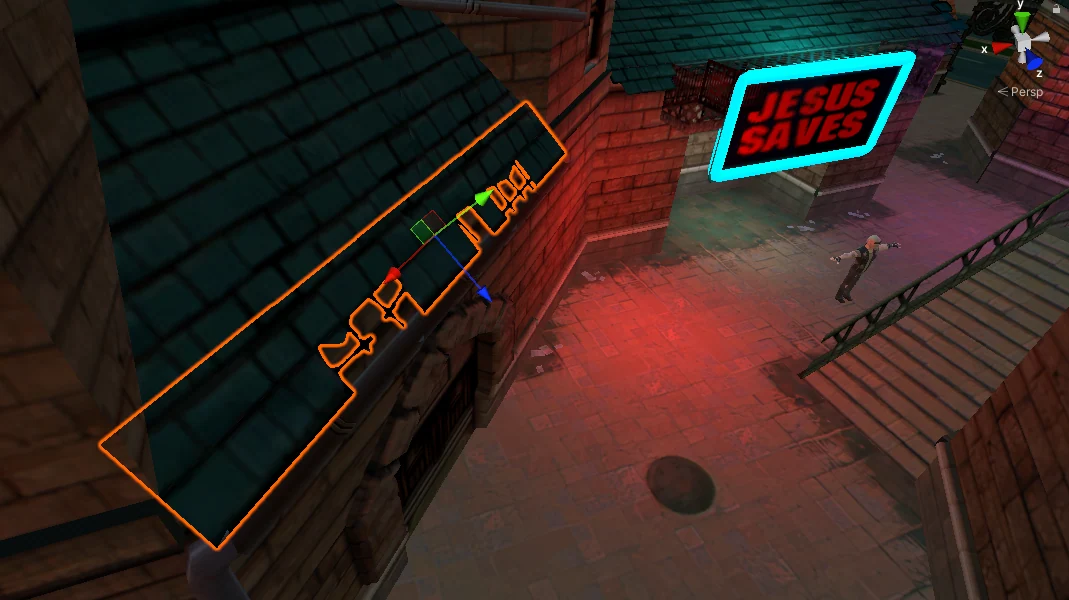
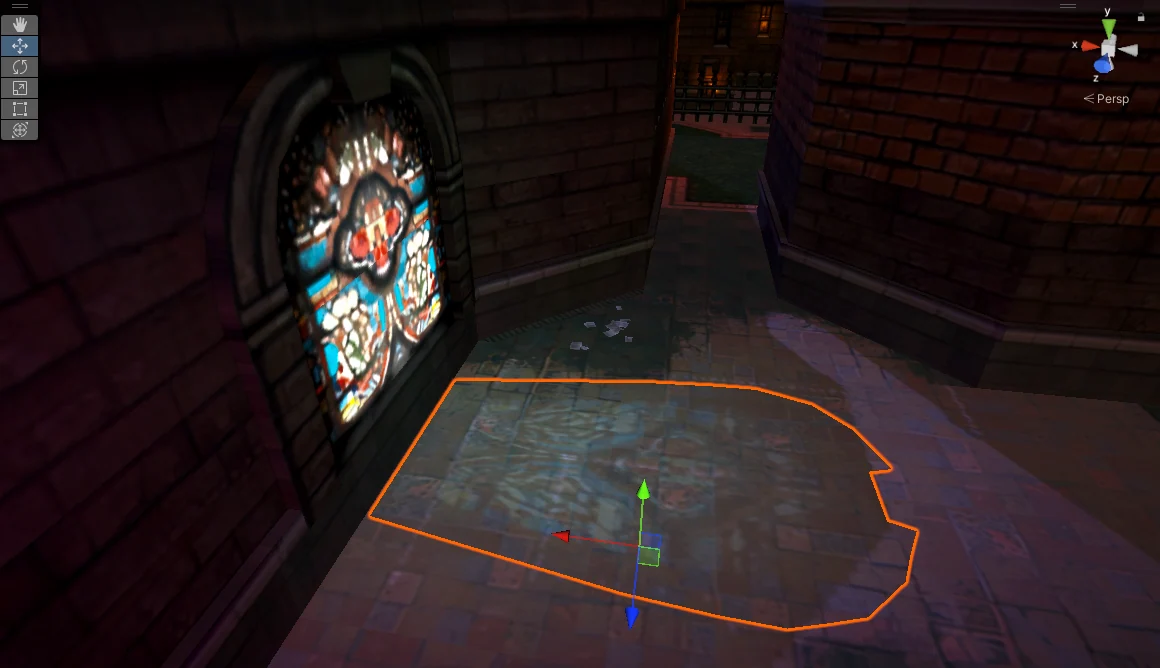
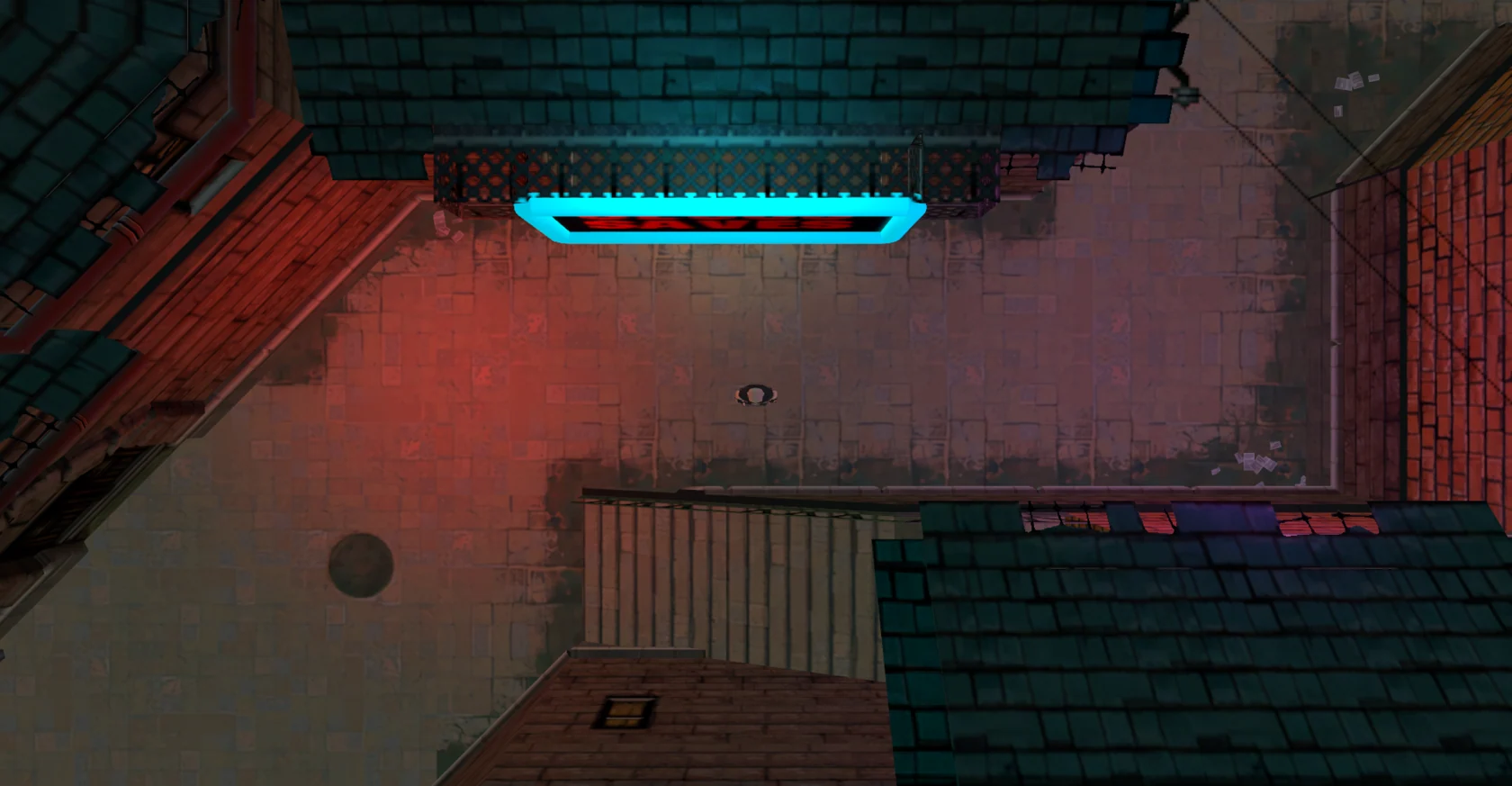
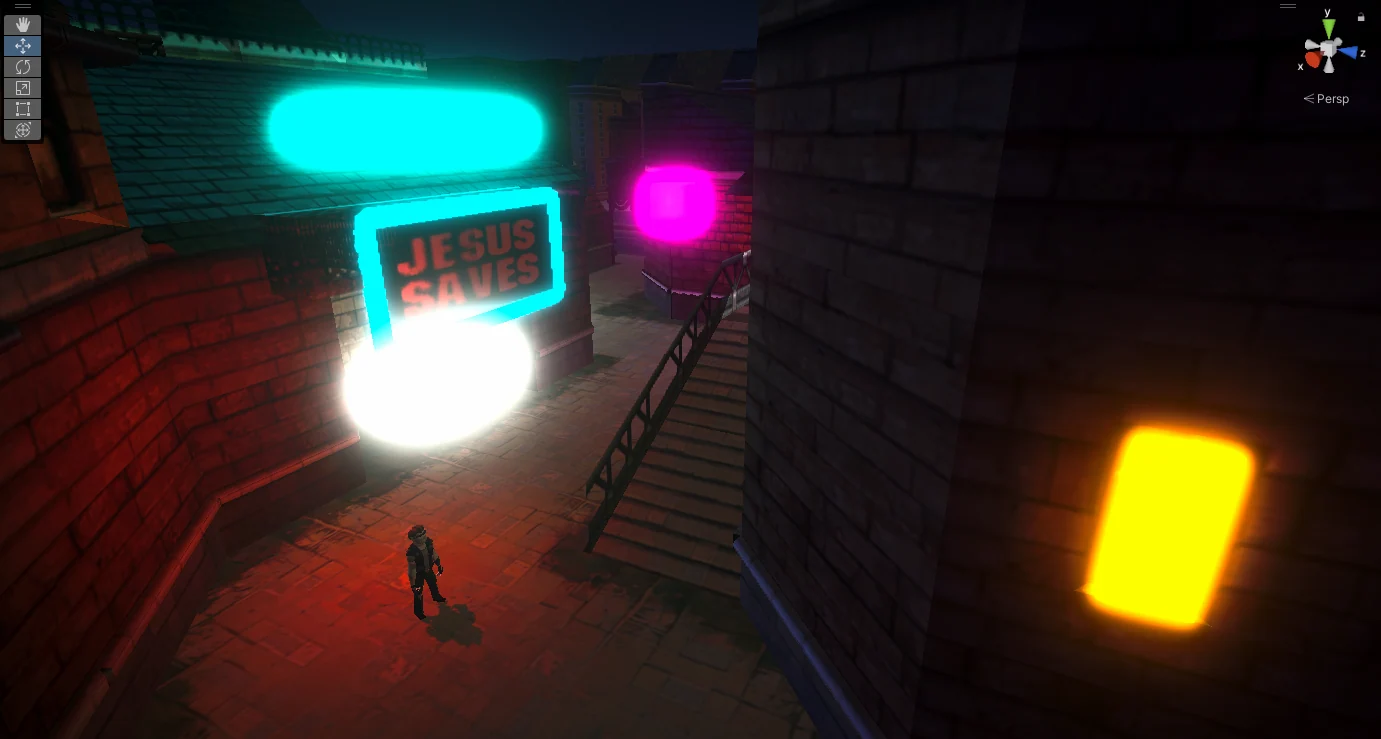
And, of course, the colorful lights of Anywhere City deserved special attention—after all, they set the entire mood. I spent hours placing streetlights, lighting up windows, and baking, baking, baking. I also created a few flickering signs with dynamic light sources to bring the city to life.
GTA2F - Light Demo
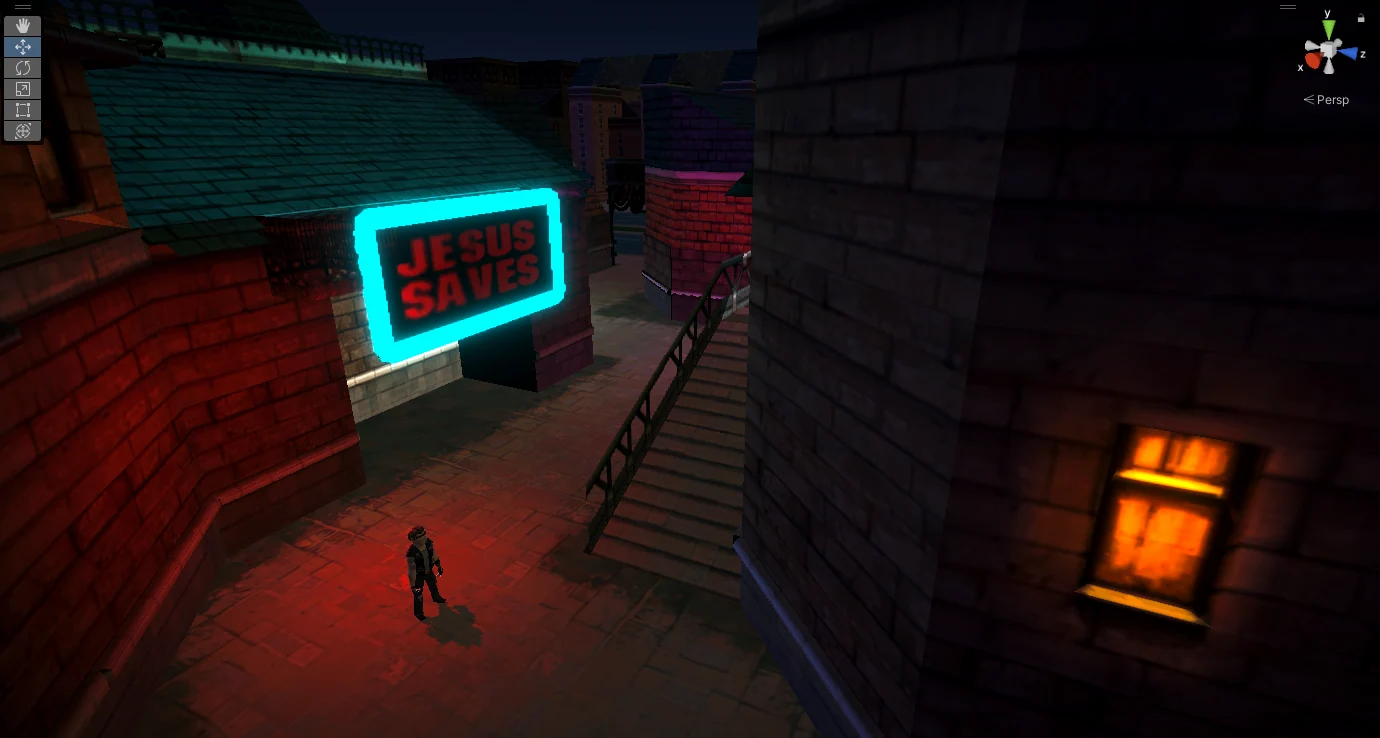
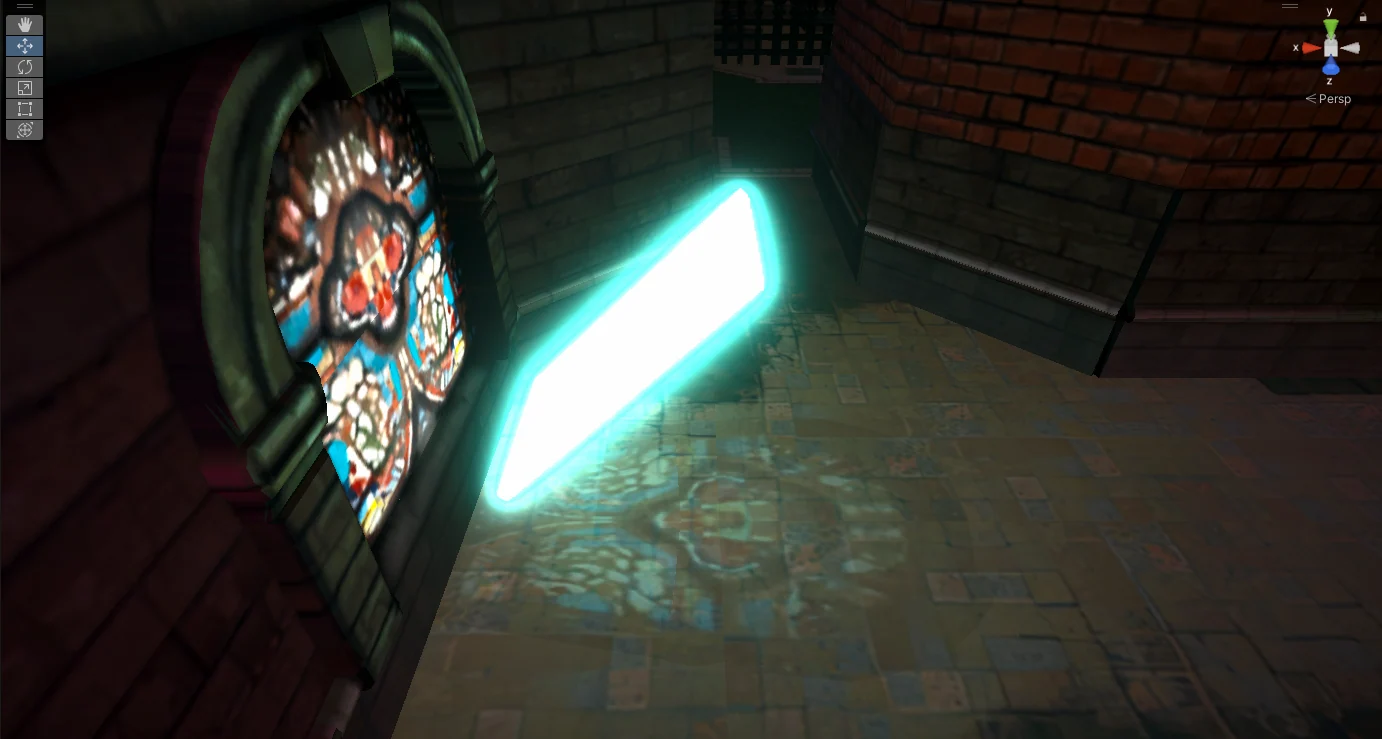
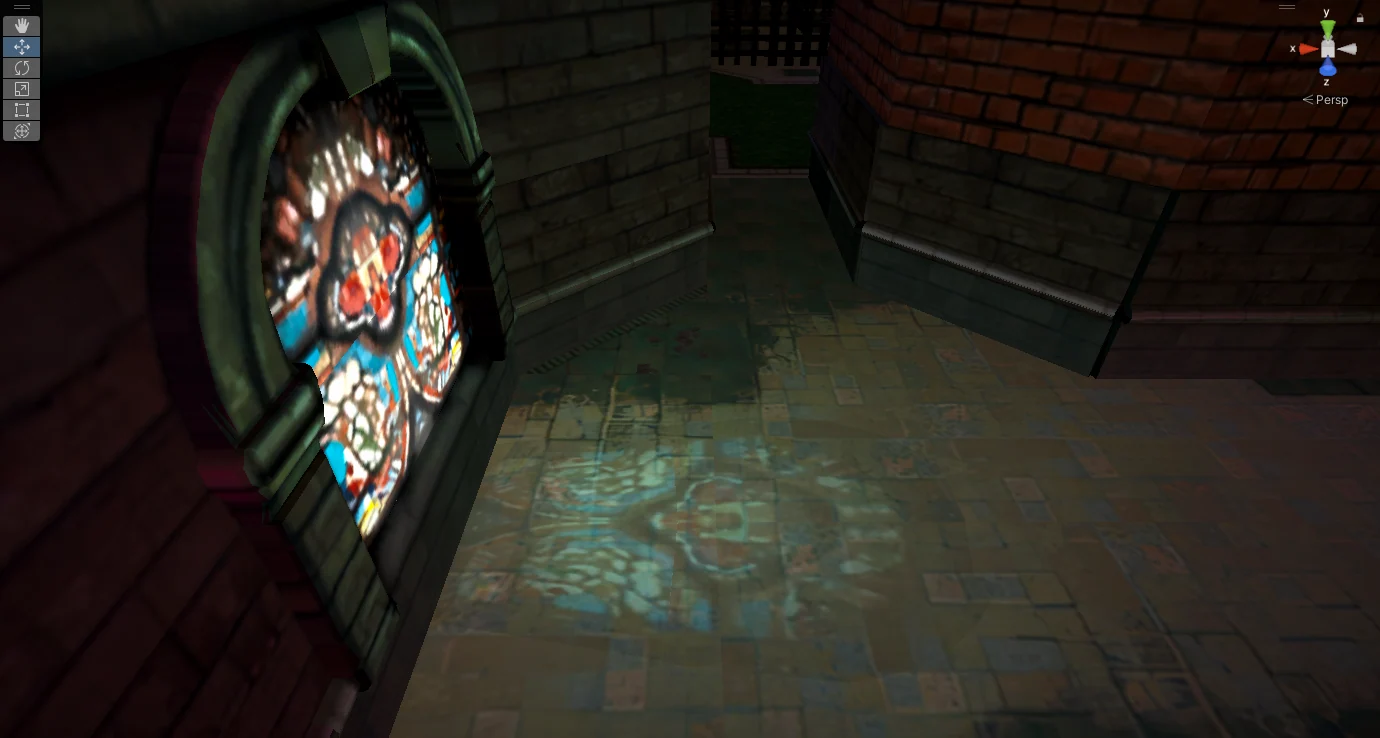
Over time, I managed to optimize and speed up the city detailing process. Instead of modeling each building individually, I created a palette of 3D tiles and began replacing each polygon of a building with its corresponding tile. This turned the city-building process into something more like assembling a construction set.
GTA2F - Flag Demo
I also gave special attention to the Zaibatsu flags. I redesigned the flag texture in Photoshop, simulated the fabric in Blender, and then baked the physics into an animation.
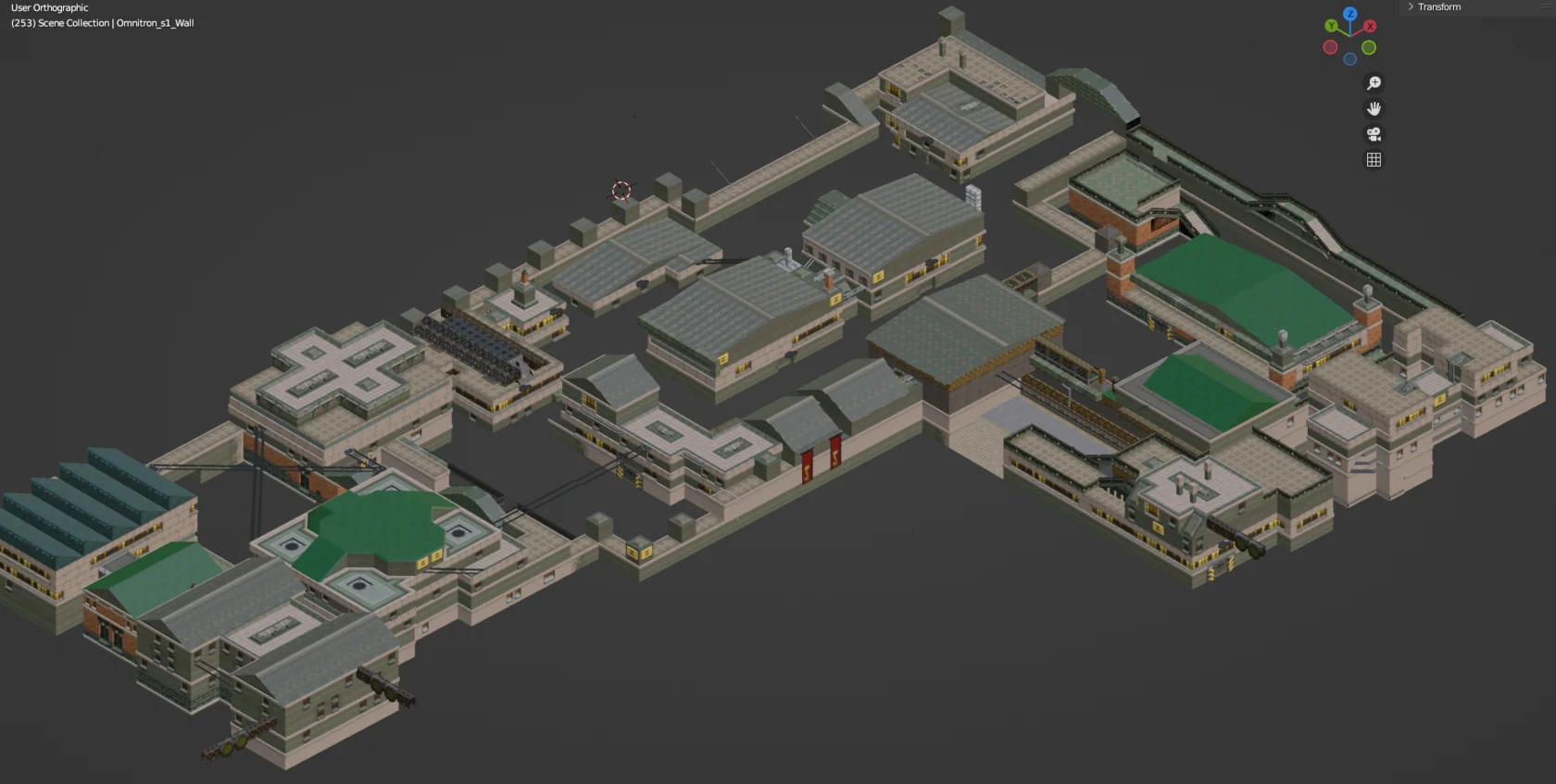
So far, over 188 buildings in the first district of Anywhere City have been restored and detailed—including conveyors, cranes, and fences. Several central blocks have also been lit up.
Vehicles
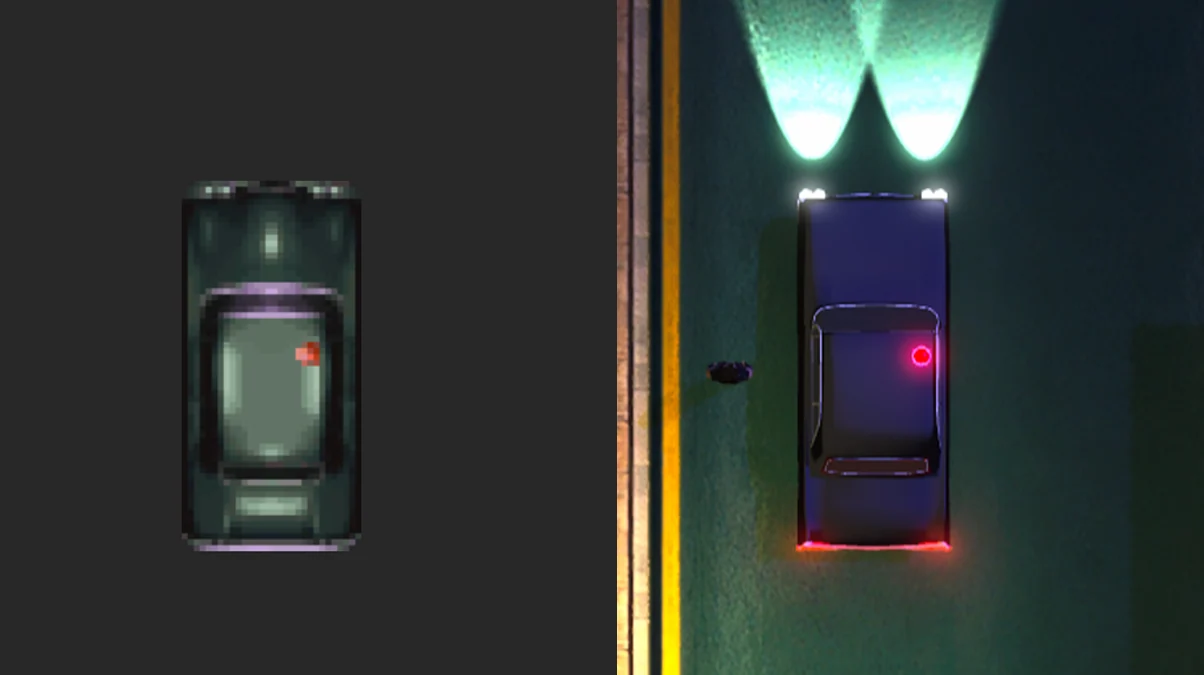
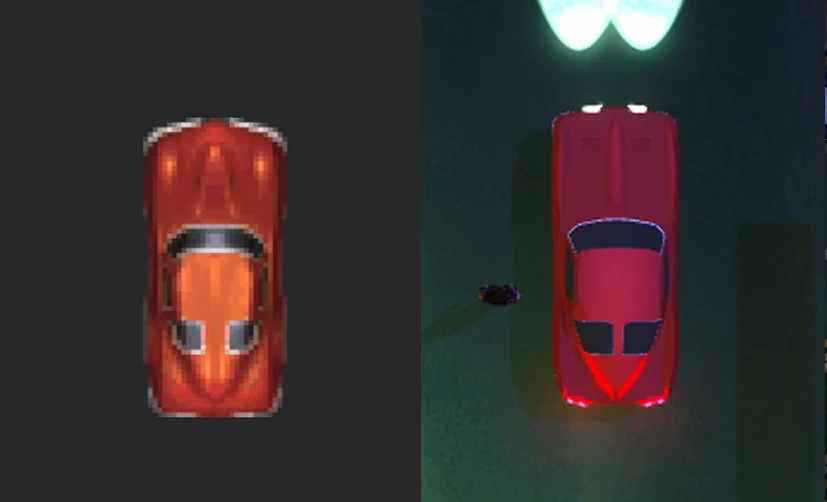
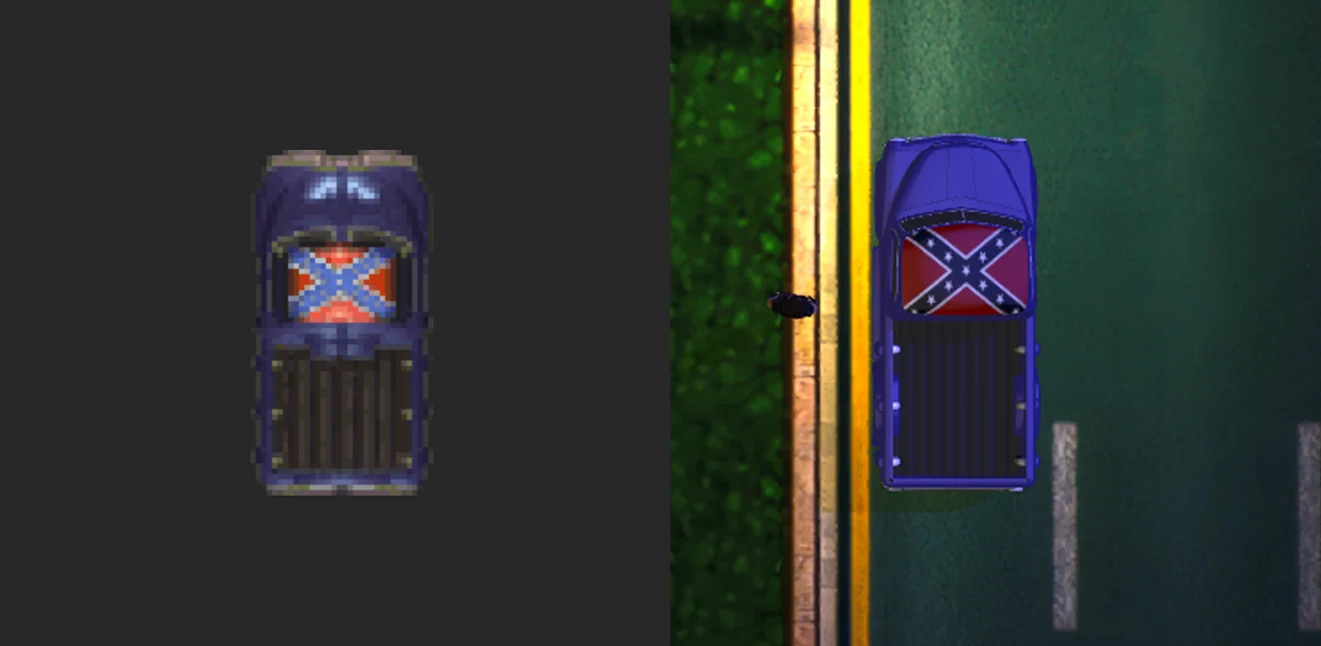
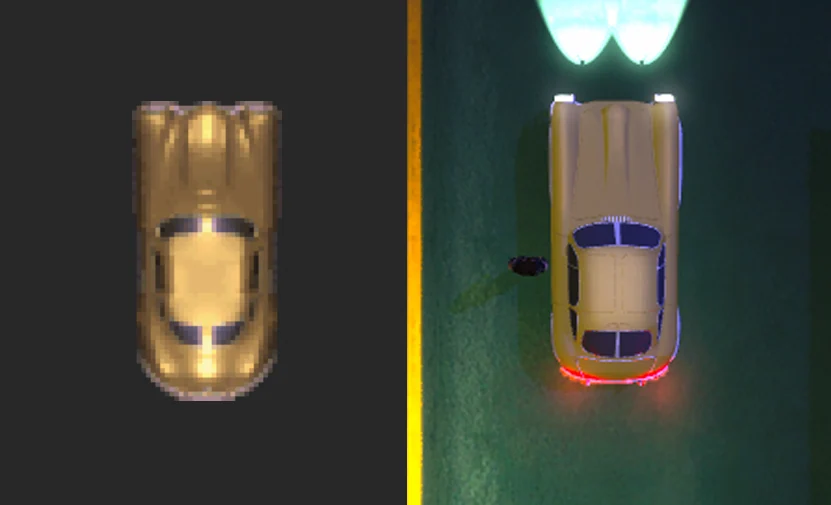
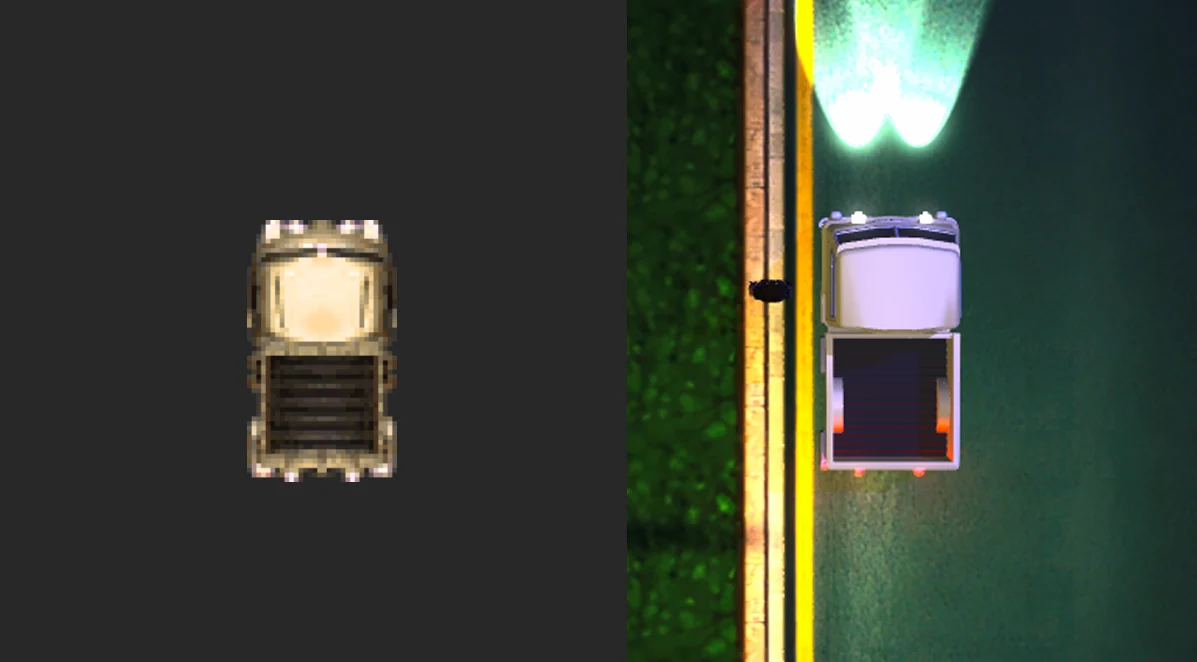
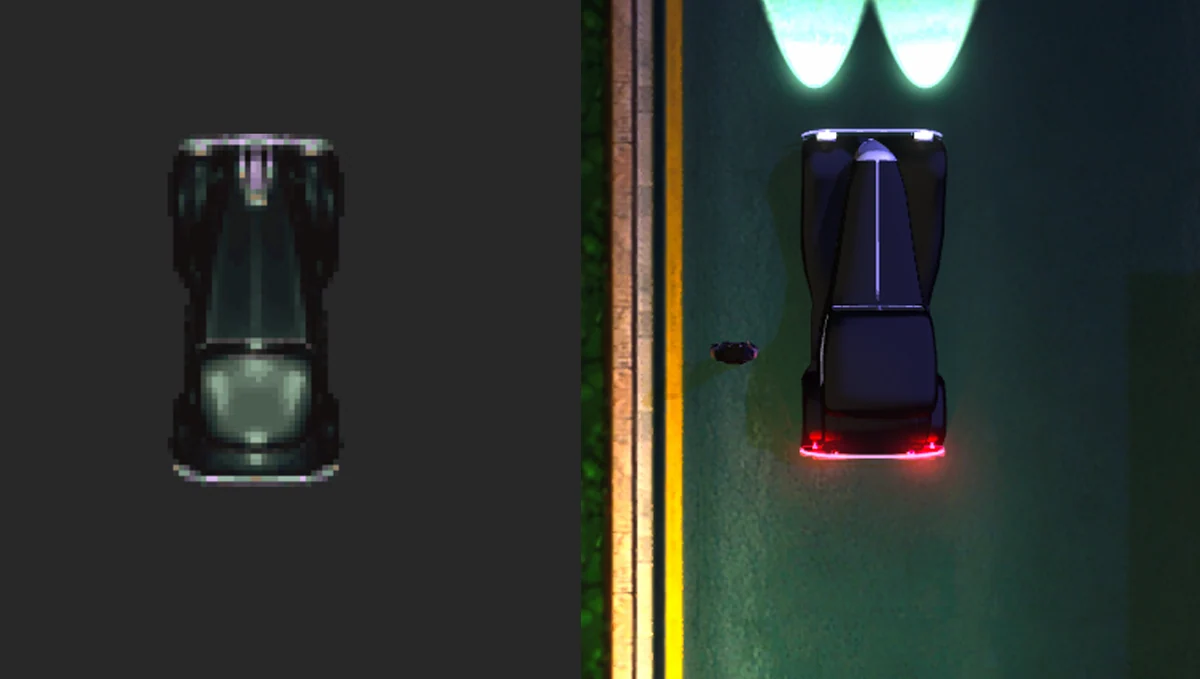
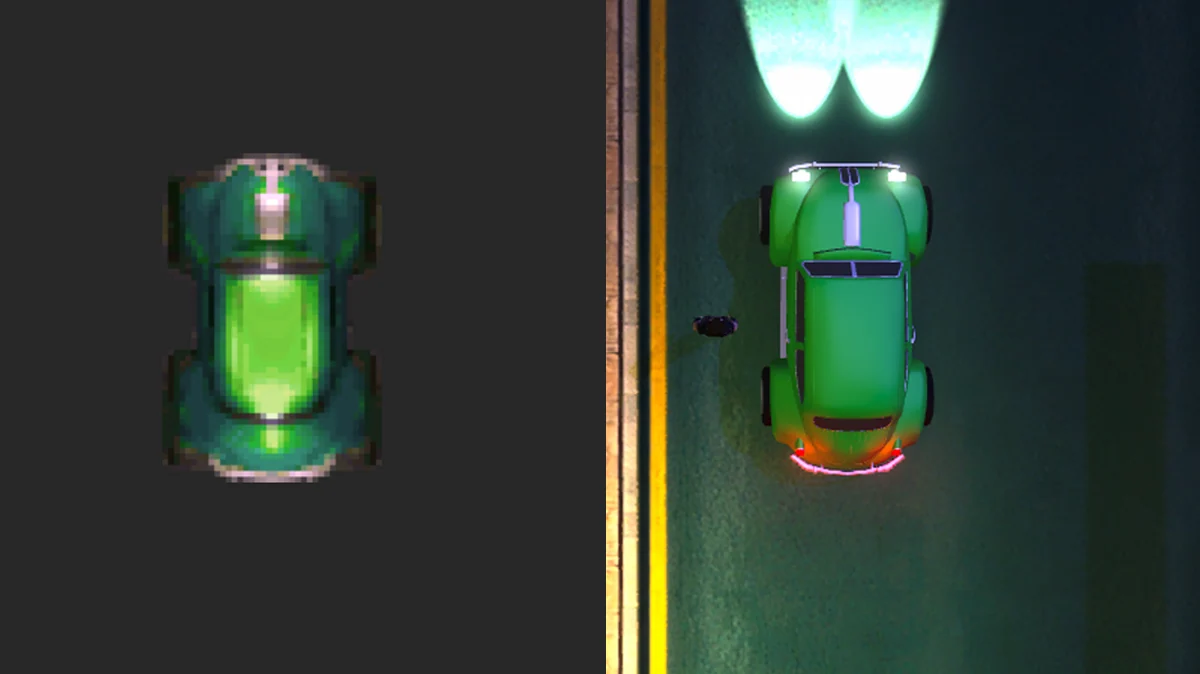
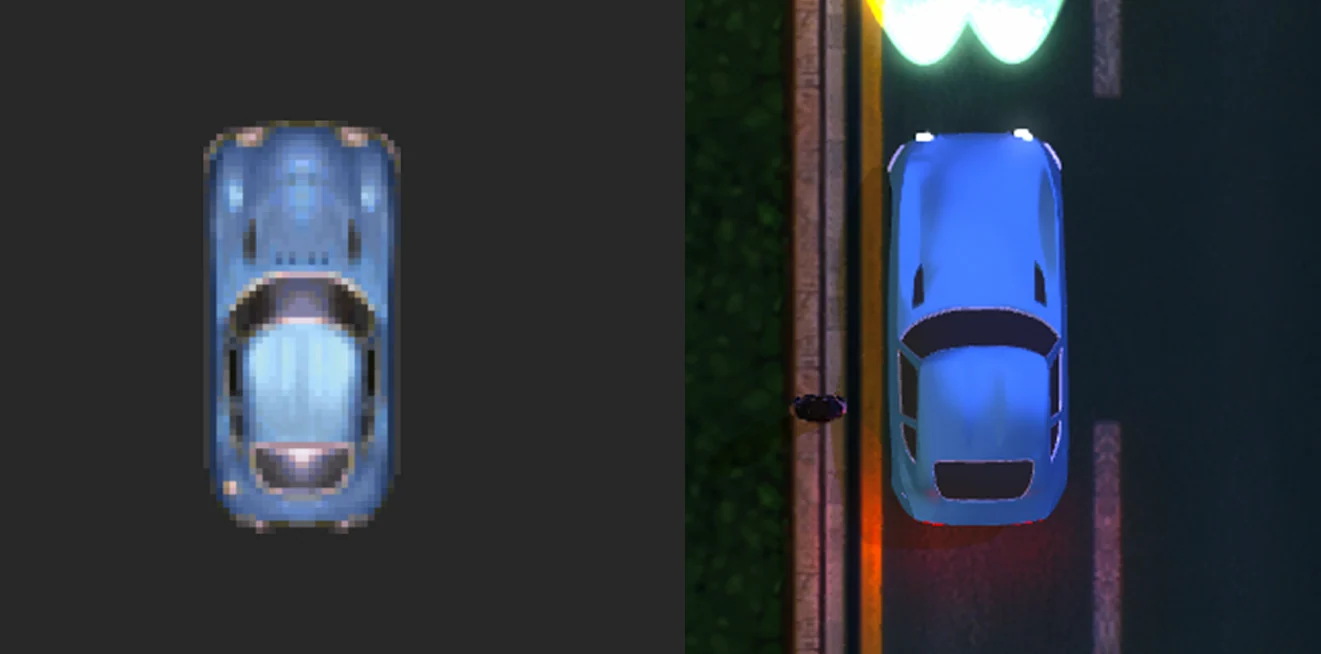
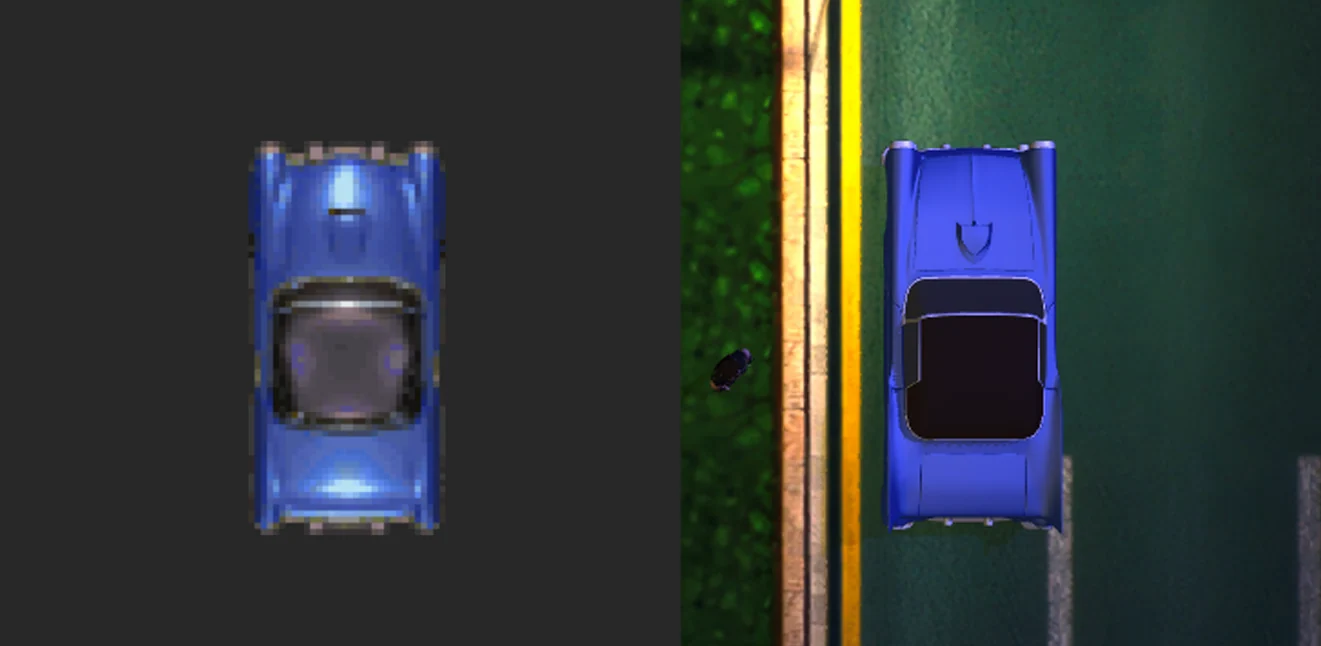
Creating cars for this project has been a real challenge. Modeling every vehicle from GTA2 from scratch as a solo developer would be a monumental task, so I started searching for existing models and modifying them.
I researched real-life cars that Ray Larabie used as references, then tracked down their 3D models and edited them in Blender to match the GTA2 style as closely as possible. Some vehicles required only minor tweaks—like reducing polygon count or removing doors—while others were transformed beyond recognition.
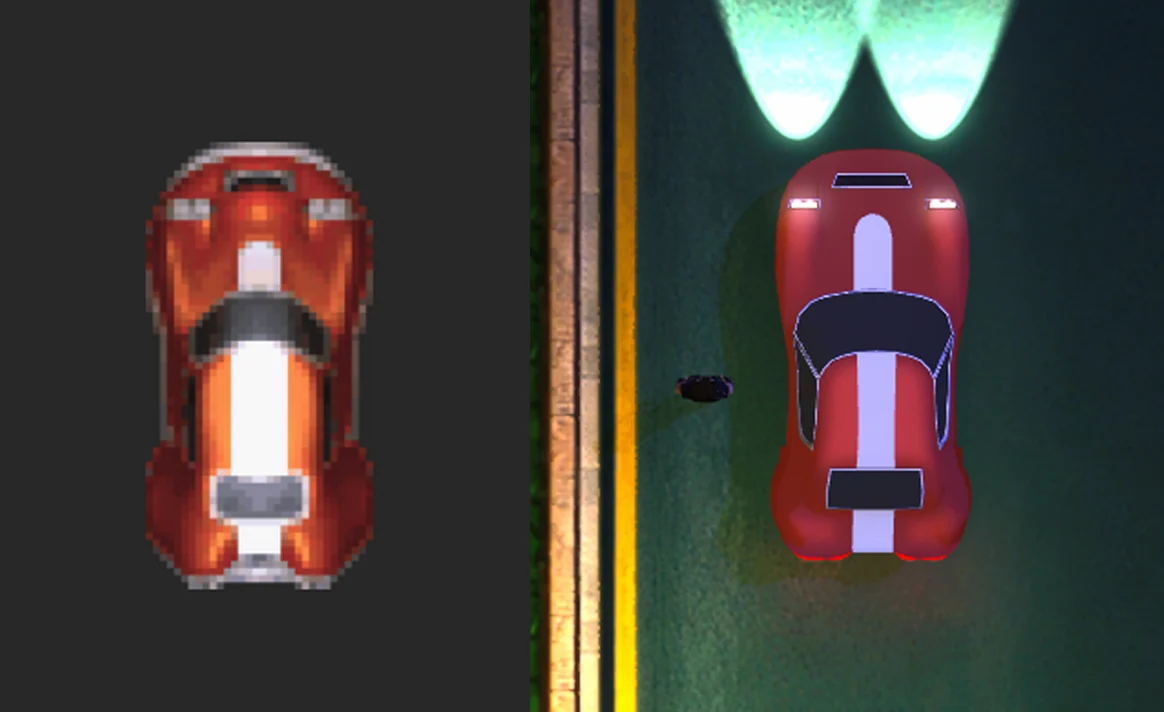
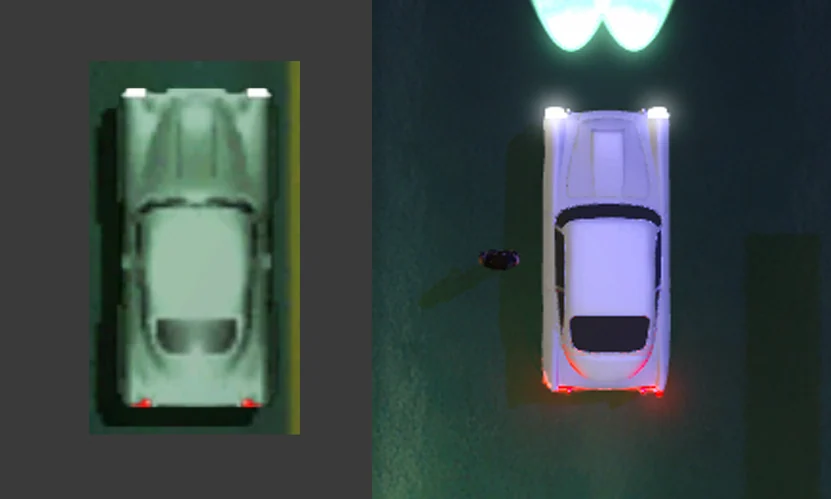
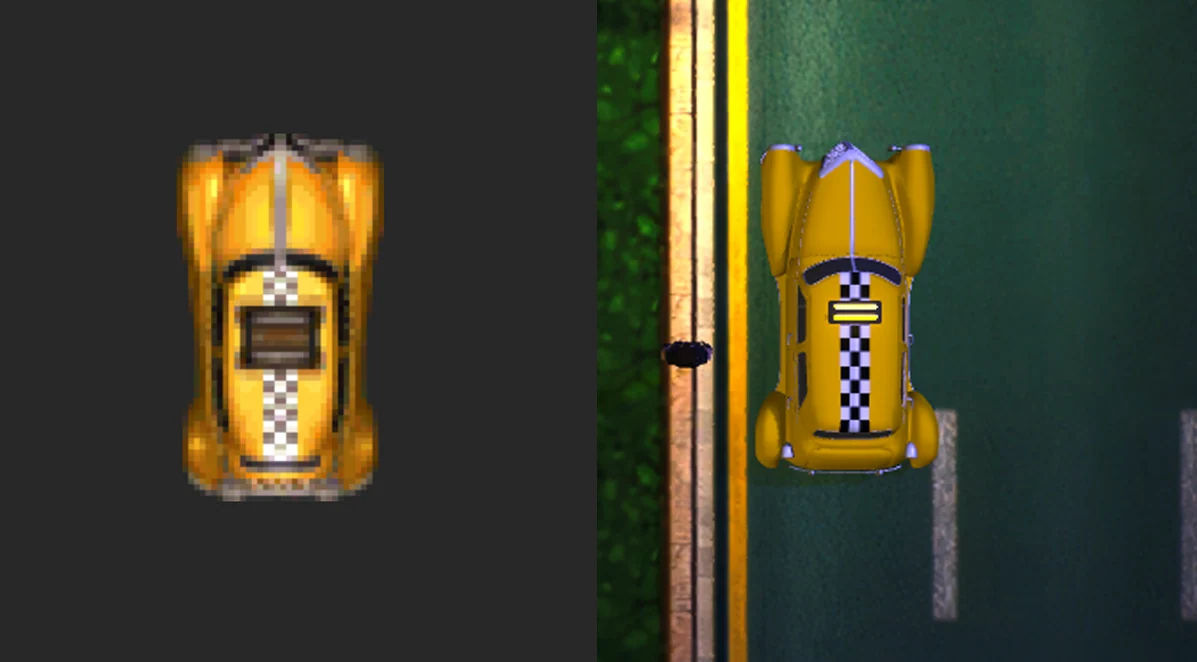
The first car I worked on was the Z-Type. I was lucky to find a GTA3 mod featuring the proper old-school Z-Type from GTA2—a huge win, considering its complex shape and iconic status among players.
I managed to extract the model and convert it to FBX. It was highly detailed, with a fully modeled interior and engine, so I ruthlessly stripped away everything that wouldn’t be visible in the game. Once the model was optimized, I moved on to programming, and eventually, the cars in this project inherited all the core functionality from the original GTA2.
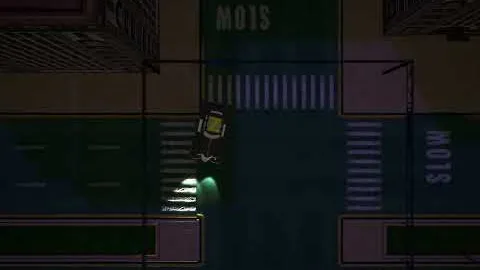
GTA2F - Z-Type demo
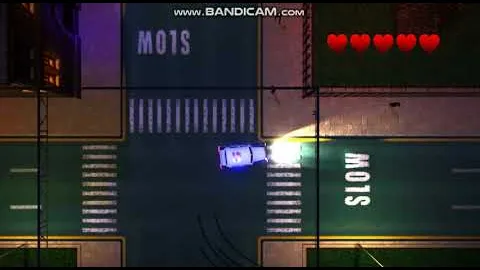
GTA2F - Cop car demo
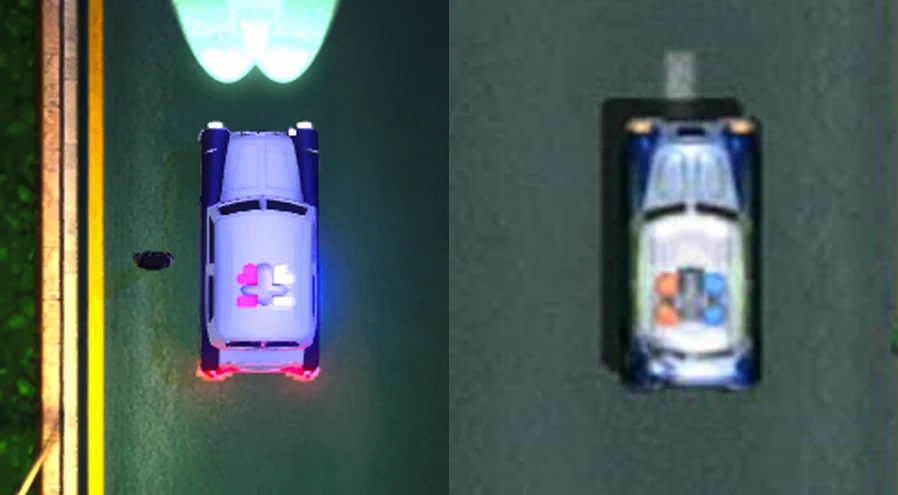
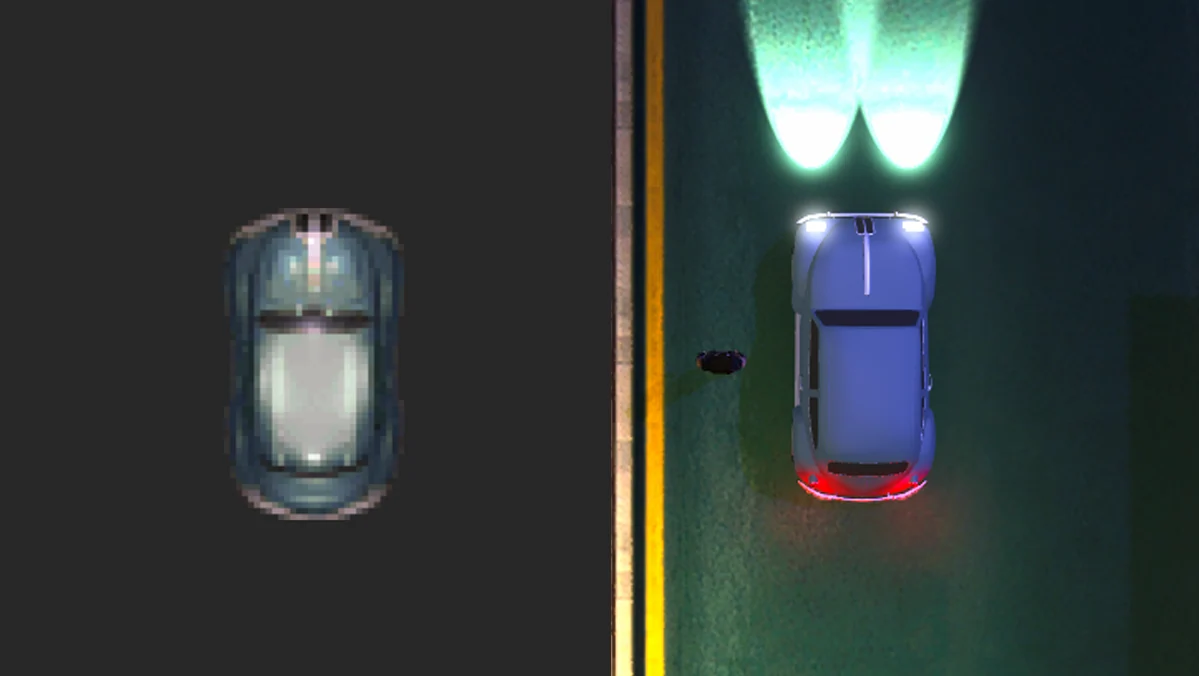
The second star of Anywhere City’s car lineup was the Cop Car. I was absolutely obsessed with making it and couldn’t wait to bring it to life.
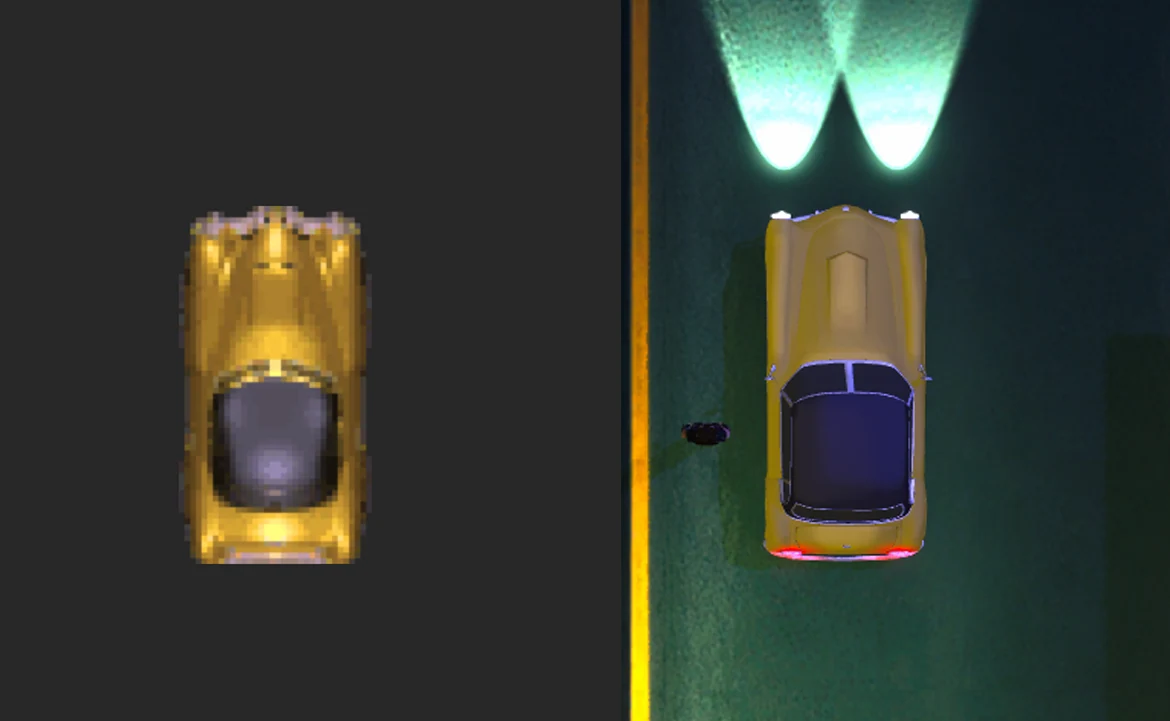
Since this car doesn’t have a real-world reference, I had to find something that looked as close as possible from a top-down perspective. Surprisingly, the perfect base turned out to be a 1963 Austin Mini—a choice that initially left some of my followers scratching their heads. At first glance, it looked nothing like the Cop Car, which caused a bit of confusion.
However, after editing the model in Blender, the final version looked absolutely spot-on in the game’s camera view.
Core systems and programming approach:
Finite State Machine for Car Behavior:
- Implemented car states (Empty, ControlledByPlayer, ControlledByAI, Destroyed) using enum and switch for clear and scalable logic management.
Physics-Based Movement and Handling:
- Built on Rigidbody and WheelColliders for realistic motion simulation.
- Added tilt limits to prevent flipping, preserving arcade-style handling.
Automatic Course Alignment System:
- Recreated the original GTA2 steering behavior with an auto-alignment feature. The car adjusts its direction towards horizontal axes, ensuring smooth control and maintaining the feel of the classic game.
Dynamic Vehicle Interaction:
- Designed conditional engine and headlight activation—parked cars remain idle until the player starts moving.
- Implemented dynamic camera zoom-out when entering a vehicle.
Visual Effects and Interaction:
- Designed dynamic lighting and brake light logic with material property adjustments.
- Added tire skid effects using TrailRenderer, activated based on lateral velocity.
- Created fire particle effects to visually represent different stages of vehicle damage.
Damage and Destruction System:
- Developed mesh replacement and fragment-based destruction effects, including flying parts (hoods, doors, etc.) for visual impact.
Custom Tools and Utility Scripts:
- Automated asset management and hierarchy matching for wheels, lights, and skids, reducing manual setup time.
So far, I’ve managed to create 18 cars. Up next—51 more vehicles, a collision damage system and AI traffic.
Character
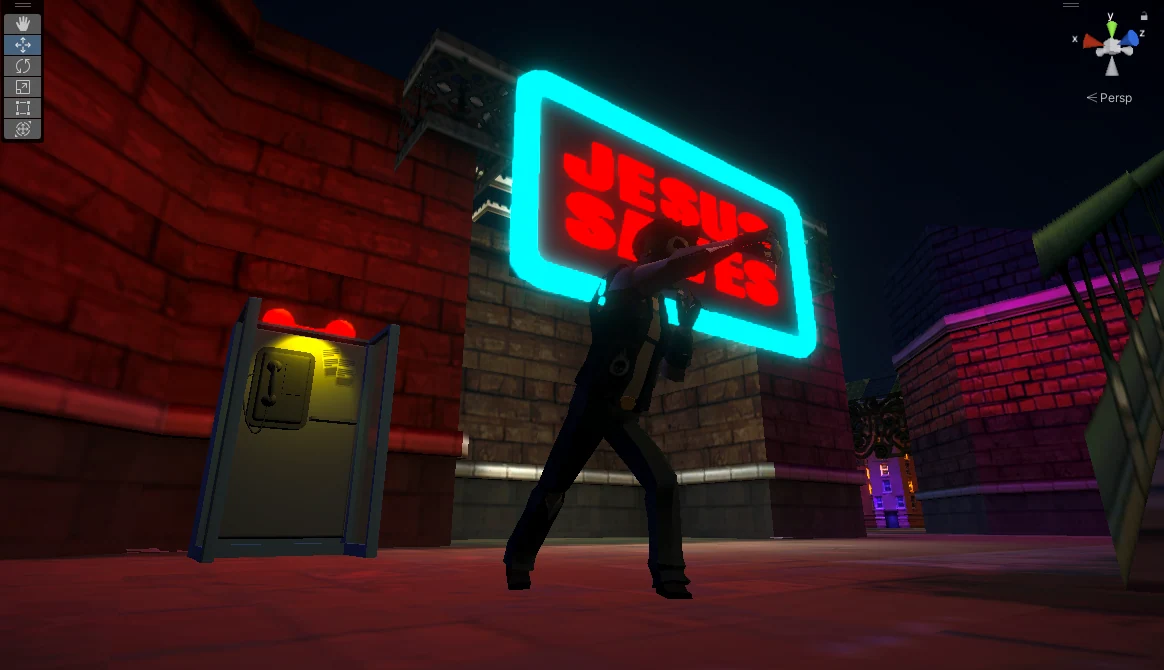
I quickly found the perfect look for the character. Being a fan of Synty Studios, I already had a biker model in a leather vest that fit the role of Claude Speed perfectly. All I had to do was add a rig in Mixamo and animate it there.
The character is built using a combination of CharacterController and NavMeshAgent. The CharacterController handles basic movement, while the NavMeshAgent allows the character to automatically run to the nearest front door of the closest car—even if the car is moving—just like in the original GTA2.
I also recreated the bugs/features (or bug-features) from the original game, such as infinite jumping until the character finds a place to land and longer throws for Molotovs and grenades while running.
Here are the details of the logic:
The iconic and fan-favorite bug-feature — the infinite controllable jump.
Finite State Machine for Player Behavior:
- Implemented movement states (OnFoot, InCar, Dead) using enum and switch to manage player behavior and transitions. The system is scalable and supports adding new states if needed.
Dual Movement System:
- Combined CharacterController for manual control and NavMeshAgent for pathfinding. This hybrid approach allows the player to seamlessly switch between direct control and automated navigation—such as running to the nearest car door, even if the car is moving.
Vehicle Interaction System:
- Players can automatically locate and enter the nearest vehicle, selecting the closest door based on proximity.
- Integrated door-opening animations triggered via AnimatorController.
- Dynamic parenting ensures the player becomes a child of the vehicle transform once inside, keeping movement synchronized.
Weapon and Equipment System:
- Supports multiple weapon types, including melee, pistols, dual pistols, rifles, rocket launchers, and throwables.
- Weapons are instantiated and attached to the player’s hands dynamically based on type and configuration.
Combat and Attack Mechanics:
- Integrated melee and ranged attacks with animations tied to weapon types.
- Adjustable attack speeds based on weapon fire rate.
- Weapons can be picked up from the environment, added to inventory, and swapped dynamically.
Dynamic Camera Management:
- Integrated a CameraControl system to smoothly transition between different states—on foot, in a car, and dead.
Advanced Jump and Fall Logic:
- Implemented the infinite jump bug-feature, where the player can continue jumping until landing is possible, mimicking the original GTA2 behavior.
- Introduced fall detection with raycasting for height checks, damage calculation, and animations based on falling speed and distance.
Health and Damage System:
- Health management includes damage calculation, fall damage, and death detection, tied to animations and state transitions.
Collision and Interaction Logic:
- Physics interactions dynamically toggle collision detection with nearby vehicles during jumps to prevent unintended overlaps.
- Cars and weapons are detected within range using triggers to enable automatic targeting and pickups.
ScriptableObject for Persistent Data Management:
- Utilizes ScriptableObject to store and manage inventory data.
Weapon Management System:
- Maintains a list of weapons using a List<WeaponSettings> for dynamic storage.
- Allows adding weapons with adjustable quantities, including upper limits to prevent overflow.
- Implements selected weapon tracking using indexes for smooth navigation between available weapons.
- Supports switching weapons forwards and backwards with looping behavior, resetting to null when the selection goes out of bounds.
Weapons
The weapon visuals were created quickly—they don’t require textures, and the models have fairly simple shapes. The logic, however, was much more complex since nearly every weapon behaves differently. To be precise, it’s the projectiles that behave differently, which is why the weapon script itself is relatively simple, while most of the logic is handled within the projectile scripts.
Projectiles (or bullets) are used in all combat mechanics, even for unarmed attacks like punches. They have varying lifetimes, speeds, and behaviors. For example, they can change size over time (flamethrower), have gravity, and explode either on impact or after a timer (molotovs/grenades). Some can even chain between targets (electrogun). Additionally, they can include light sources or particle effects, like sparks when hitting walls.
*the effects shown are rough, the final effects are similar to the original and their description is here
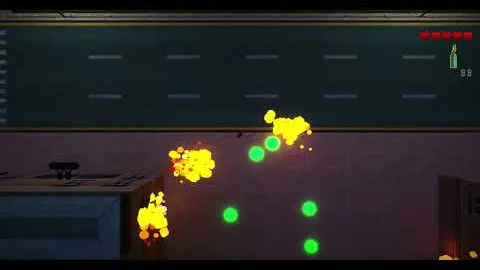
GTA2F - Molotov demo
Molotov Cocktails have a rather interesting design:
- The projectile GameObject has zero velocity, meaning it spawns directly at the firing point.
- A child object (visually representing the bottle) is animated to simulate its flight.
- If the child object collides with the ground or a vehicle during flight, the animation stops, and an explosion appears.
This approach ensures stable and consistent trajectories for Molotov cocktails, making their flight predictable and reliable.
Here are the details of the weapon logic:
Modular Weapon Configuration:
- Designed a ScriptableObject-based system to store weapon settings, including icons, fire rates, ammo types, and prefabs.
- Implemented an enum-based weapon type structure, enabling behavior differentiation (e.g., pistols, rifles, melee, and explosives).
Dynamic Shooting Mechanics:
- Developed weapon-specific firing behaviors using switch-case logic, covering single and dual-wielding firearms, shotguns with buckshot spread, and explosive throwables.
- Integrated character animations linked to weapon types, ensuring visual and mechanical consistency.
- Added dynamic projectile behavior, where grenades and molotovs travel farther when thrown while running, emulating a bug-feature from the original game.
Projectile and Bullet Logic:
- Implemented a state-based bullet system with multiple modes (melee, shotgun, rocket, flame, and explosives) to handle varied projectile behaviors.
- Added physics-based movement with Rigidbody and collision detection through Raycast, supporting complex interactions like bouncing, area-of-effect explosions, and particle effects.
- Designed projectile lifetime management and destruction logic, including timers, visual effects, and mesh replacements for destruction sequences.
Damage and Effects System:
- Developed conditional damage handling based on target type (walls, cars, AI bots), applying knockouts or damage modifiers.
- Incorporated dynamic visual effects, including muzzle flashes, hit particles, and fire spread for flamethrowers and molotovs.
Electrogun - Dynamic Targeting and Chain Effects:
- Detects multiple targets within range using trigger colliders and dynamically manages them in a target list.
- Calculates and prioritizes connections between targets to simulate chained electricity arcs.
Custom Tools and Extensions:
- Implemented runtime debugging tools to visualize bullet paths and collision hits, aiding development and testing.
Pedestrians
GTA2F - Pedestrians demo
Pedestrians have different roles and behavior states, implemented using a switch-based system. Their behavior closely replicates the mechanics of the original GTA2.
They spawn at predefined points within a certain distance of the player and are removed when the player moves too far away. In a calm state, bots walk exclusively on sidewalks. However, when frightened, they scatter across all areas, including roads, lawns, and other zones.
Small features from the original game have also been implemented. For example, if a bot is hit by a rocket launcher, they are thrown in the opposite direction of the explosion at a specific angle, only dying upon impact with the ground.
Collision thresholds with cars have been added, based on vehicle speed:
- A light bump will simply push the bot away.
- A stronger hit will push them and scare them.
- A heavy collision will throw and kill them.
- A high-speed impact results in an instant death.
A similar system throws bots back with an explosion, and they can also be knocked out for a few seconds with fists.
*the force of the push is greater than the speed of the car - this is done intentionally to match the original game
Logic details:
Finite State Machine for Behavior Management:
- Utilized an enum-based state system to manage bot statuses (e.g., Stand, Walk, Flee, Rob, GetCar) and transitions between them.
- Integrated role-specific logic for diverse bot roles like Citizen, Robber, Cop, and Gang Member, allowing for scalable behavior extensions (at the moment, only the behavior of citizens has been completed).
Navigation and Movement:
- Implemented NavMeshAgent-based movement.
- Added separate random point generators for walking and panic states.
- Incorporated destination validation to ensure bots can only move to reachable points on the NavMesh.
Dynamic Interaction with Environment:
- Developed collision-based logic for interactions with cars, including damage calculations based on car speed and fatal impacts.
Damage and Status Effects:
- Designed systems for handling knockouts, burning, and fatal pushes, each with visual and gameplay feedback.
- Integrated a particle-based effects system (e.g., fire, blood).
Performance Optimization:
- Included automatic cleanup for distant bots to maintain performance by destroying objects outside the player’s range.
Scalable and Modular Design:
- Designed systems to allow easy addition of new roles, statuses, and behaviors without major refactoring.
- Modularized navigation and status logic into distinct methods, enabling code reuse and straightforward debugging.
Power-Ups
Power-Ups were recreated in Blender and Photoshop, carefully redrawn from the original GTA2 icons with high accuracy.
UI
At first, I thought integrating the original fonts would be the easiest task, especially after discovering the amazing site gtamp.com, where you can generate any text using any GTA2-style font. Sounds like a freebie, right? Wrong. This task turned out to be the most frustrating one in the entire project.
I spent ages struggling with Photoshop, Inkscape, and FontForge, converting the alphabet generated on the site into vector graphics. Only after completing this tedious process did I learn that the .ttf format doesn’t support multiple colors, while all GTA2 fonts use at least four (fill, highlights, and shadows).
After that, I began exploring OpenType-SVG, but I couldn’t test this approach in Unity because I couldn’t find any free integration tools.
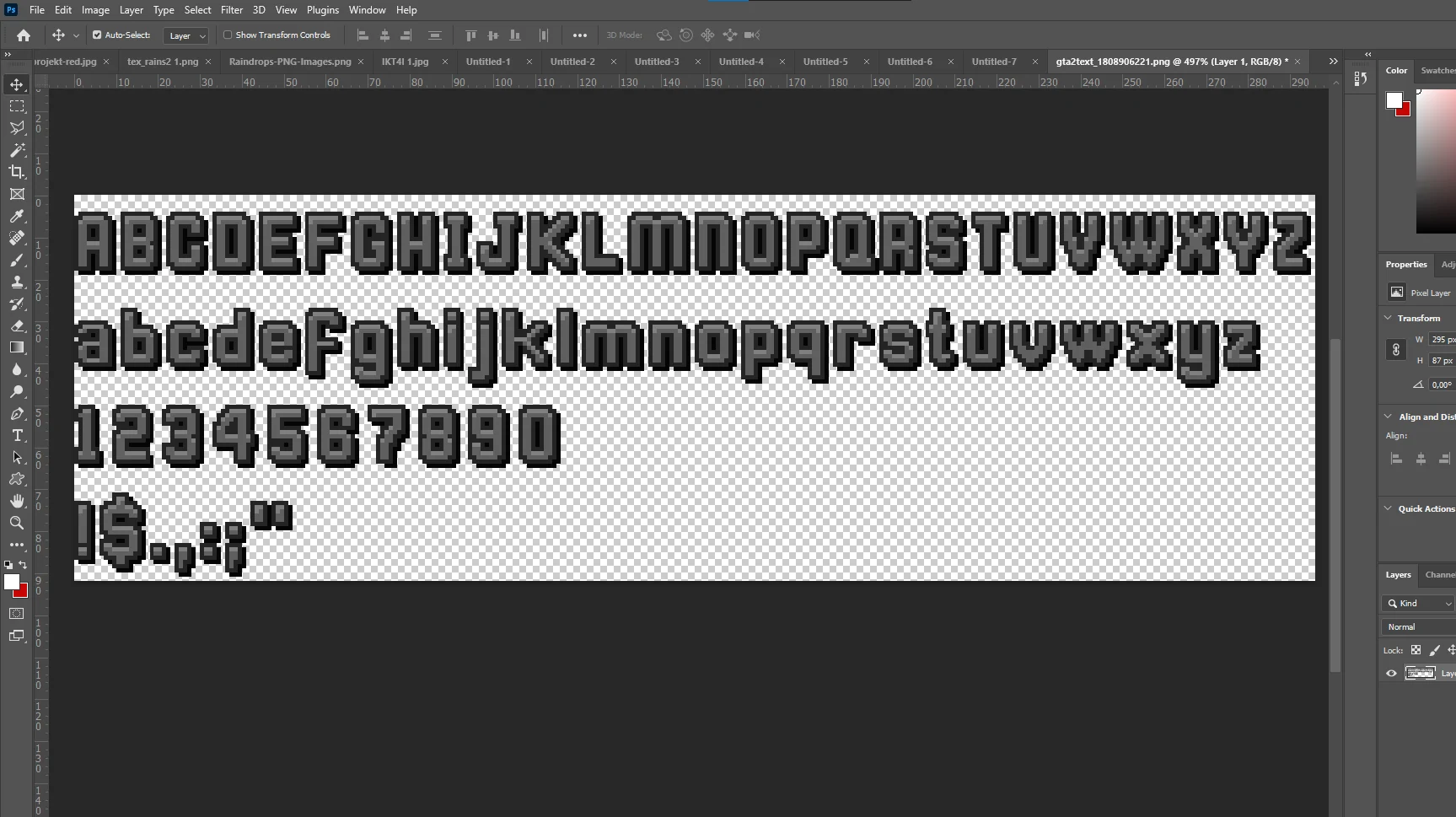
In the end, I settled on Unity's built-in method for integrating fonts from a texture atlas. The process was painstaking, requiring manual adjustment of nine parameters per letter, each of which had to be calculated individually. Doing this for the first time was agonizing, but with the help of cheat sheets I prepared along the way, I managed. Eventually, I even created a helper script to automate the process.
The money display in the original GTA2 is more complex than it might seem at first glance. It behaves like an old analog counter, where each column flips independently. Instead of a straightforward increase of the entire amount, each column scrolls simultaneously until it reaches its corresponding digit.
To replicate this behavior, I created individual animated columns, each containing three text GameObjects, along with a script for each column and a parent script to manage them collectively. Here are the details:
Core Structure:
- The score counter consists of a parent MoneyCounter script that manages the overall functionality and individual MoneyInt scripts for each digit column.
- Each column is an independent object, allowing seamless updates and animations.
Digit Animation:
- Each column uses an Animator with two key states: Idle and Scroll. This animates the digits as they transition to their target values.
- Animations are triggered only when the displayed digit differs from the target digit.
Dynamic Display Management:
- The MoneyCounter.cs dynamically adjusts the number of active digit columns based on the length of the current score.
- Digit columns that are not needed for the current score are automatically hidden.
Individual Digit Handling:
- The MoneyInt script calculates and updates the previous, current, and next digits for smooth animation and accurate display.
- Each column updates its text values in real-time during animations.
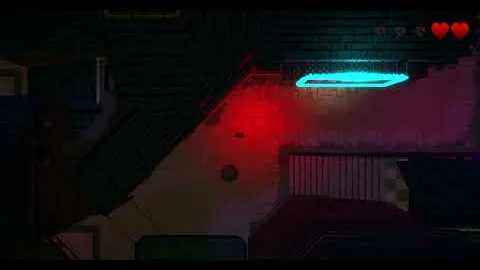
To replicate the health indicator from the original GTA2, I developed a system that represents 10 health points using 5 heart icons. Each heart has 3 possible states: full, half, and broken. Here are the implementation details:
Health-to-Hearts Mapping:
- The player's total health is represented as a series of 5 heart icons, corresponding to 10 health points (2 points per heart).
Dynamic Sprite Updates:
- Each heart icon updates dynamically based on the current health:
- If 1 health point is lost, the full heart sprite is replaced with a half-heart sprite.
- If 2 health points are lost, the heart sprite is replaced with a broken heart sprite.
Index-Based Updates:
- The function iterates through the list of heart icons (HeartIcons) and determines the appropriate sprite for each icon based on the player's health value.
- Icons beyond the active health range are set to the broken heart sprite.
Calculation:
- The health value is divided by 2 to determine how many full hearts to display.
- Modular arithmetic (_health % 2) is used to handle the display of half-hearts for odd health values.
Dynamic Updates:
- Each icon updates only as needed, ensuring efficient use of resources.
Particle Effects
Recreating effects identical to the originals was straightforward. Just like with the city textures, I extracted the original sprites using gta2stytool, enhanced their resolution with letsenhance.io, created animation sheets, and assembled the particle systems.
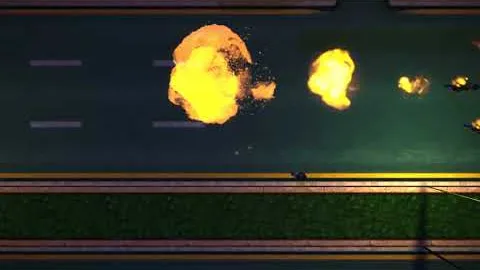
GTA2F - Effects